
A Complete Guide to Smartsheet Integration
Smartsheet is a powerhouse for project management, reporting, and more, but few organizations depend on it entirely for all their workflows. That means you’ll need to work across tools at least a little bit for every project. Unless you’re willing to copy and paste data across them, you’ll need some way to integrate Smartsheet with these other tools.
Here’s how that works.
What is Smartsheet?
Smartsheet is a popular project management tool that looks a lot like a spreadsheet, allowing teams who’ve primarily used spreadsheets for project management to easily move to a dedicated tool. Built-in automations and reporting tools make Smartsheet a solid option for managing even the most complex projects.
What is Smartsheet integration?
A Smartsheet integration transfers data between your sheets and other tools. These integrations range in capability from automatically creating new work items in other tools when you create Smartsheet rows to dynamically updating fields in those rows whenever changes are made in those other tools.
That means you can work from Smartsheet with all the data your business processes need without checking in other tools or waiting on someone to send an update your way.
Why does Smartsheet integration matter?
There are five reasons why all teams can benefit from integrating Smartsheet with the rest of their tools:
- It saves you time.
- It saves you money.
- It unlocks new opportunities for collaboration between teams.
- It allows for seamless backups.
- It’s absolutely essential for some workflows, like ticket escalation.
The right integration completely eliminates the need to check back and forth between tools to ensure you have the most up-to-date information. That role, often falling to project managers and team leads, is time-consuming, sometimes taking more time than other mission-critical tasks.
Integrations can also save you money on licenses (or seats) for your tools. For example, instead of having licenses for both Smartsheet and Asana for an entire team, with some of them only checking in on Asana once in while, you could have everyone only in Smartsheet and use an integration to get them the Asana data they need.
6 types of Smartsheet integration
At their core, integrations push data between Smartsheet and other tools. The way they do that, however, varies on the type of integration you use.
Built-in Smartsheet integrations
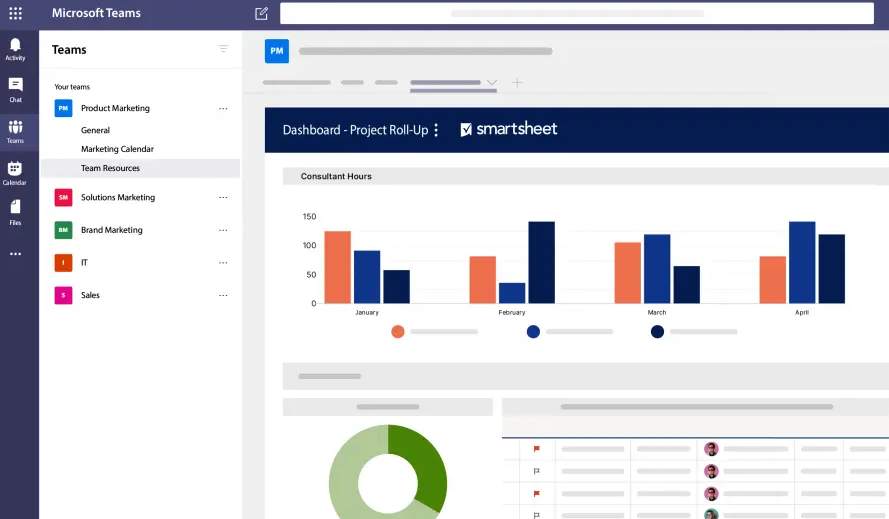
You can integrate Smartsheet with over 100 tools without using any third-party apps. These integrations come in one of three forms: Data Shuttle, Bridge, and native Smartsheet connectors.
Data shuttle
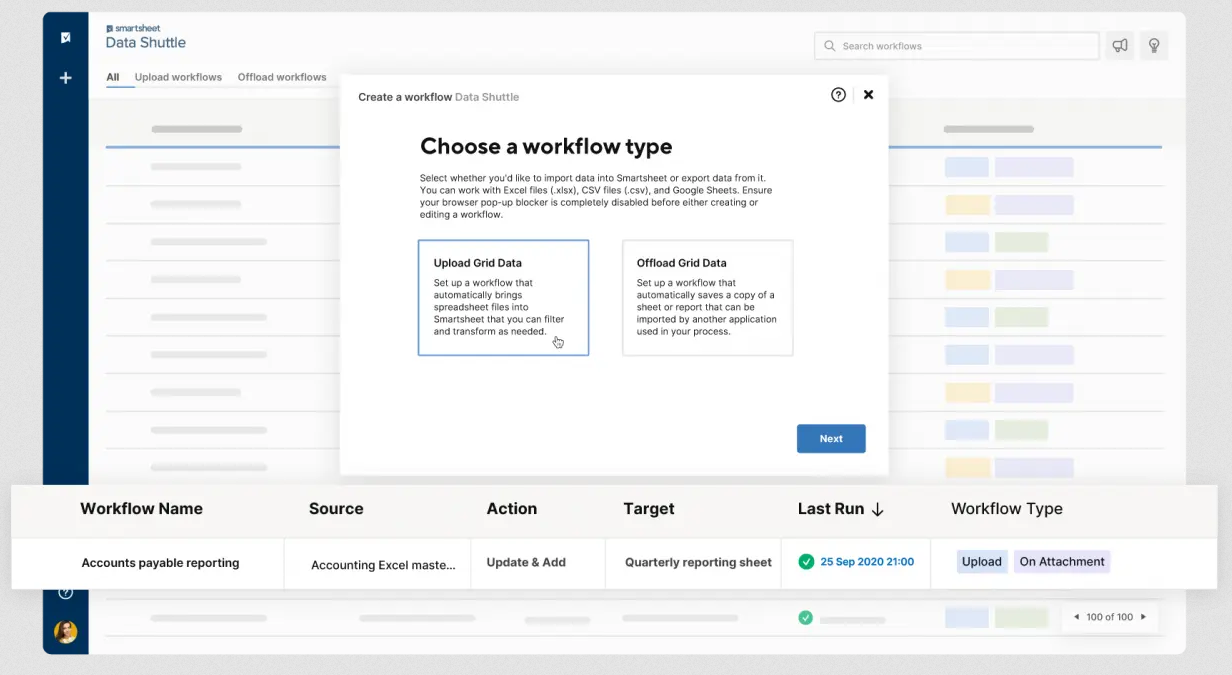
Data Shuttle allows users to export data out of Smartsheet as an attachment to other sheets or to other cloud tools. You can also import data from any tool that can create a CSV, Excel file, or Google Sheet. This allows for compatibility with a wide variety of tools, especially if you use a spreadsheet as an intermediary. You can also schedule data transfers to keep your Smartsheet sheets relatively up to date.
It can be set up quickly, compared to other options, but it only offers basic column matching. Data Shuttle is far from the most customizable solution.
Bridge
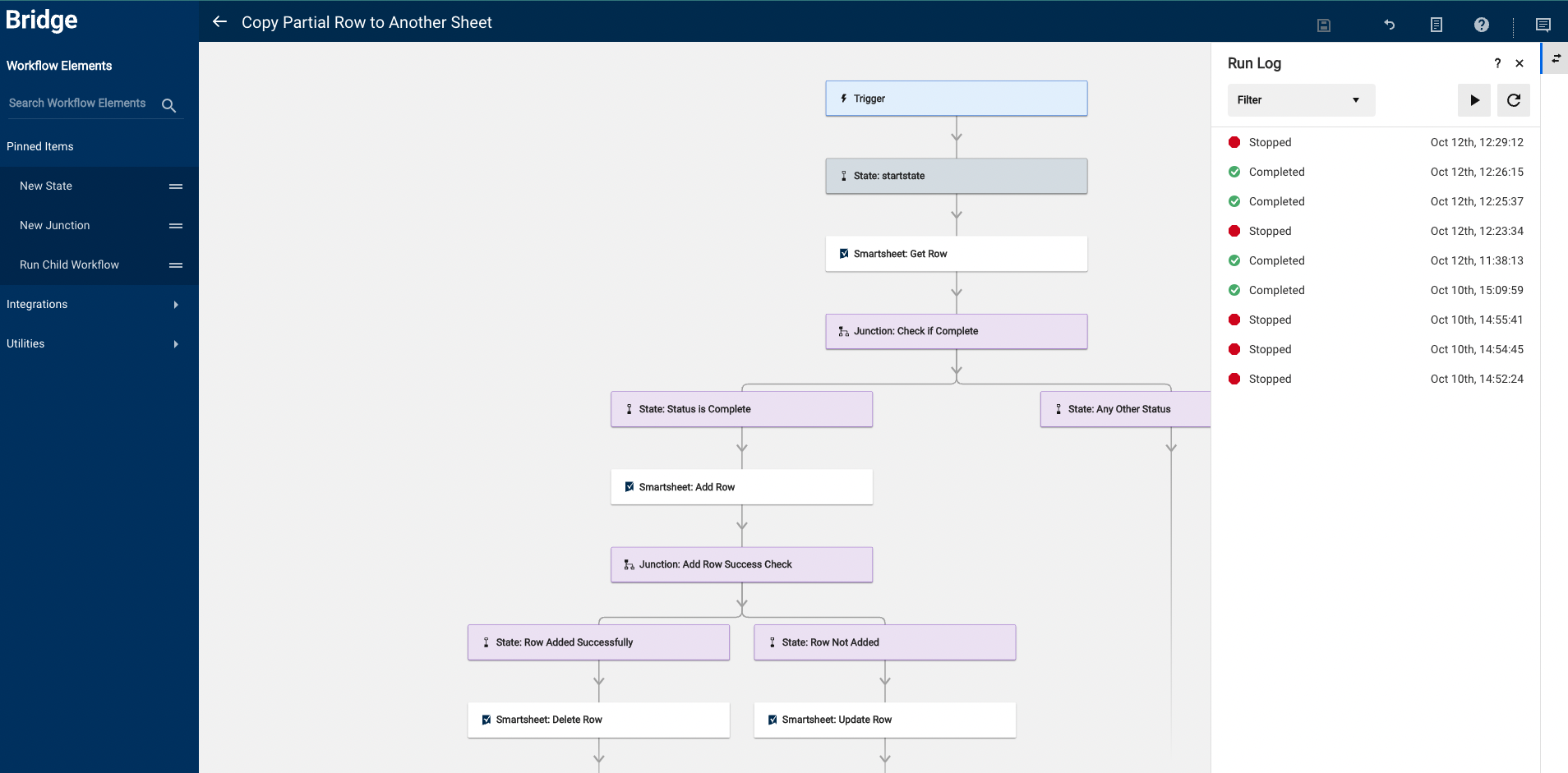
Smartsheet Bridge is a built-in integration tool that allows users to build workflows using a drag-and-drop interface with branching logic and event or schedule-based triggers. These low-code workflows can leverage API or HTTP calls as well as JavaScript. There are also a number of pre-built workflows for ServiceNow, Google Translate, and SharePoint that you can deploy without any code.
This solution can take a significant amount of time and technical resources to deploy, but it’s easily the most flexible.
Native Smartsheet connectors
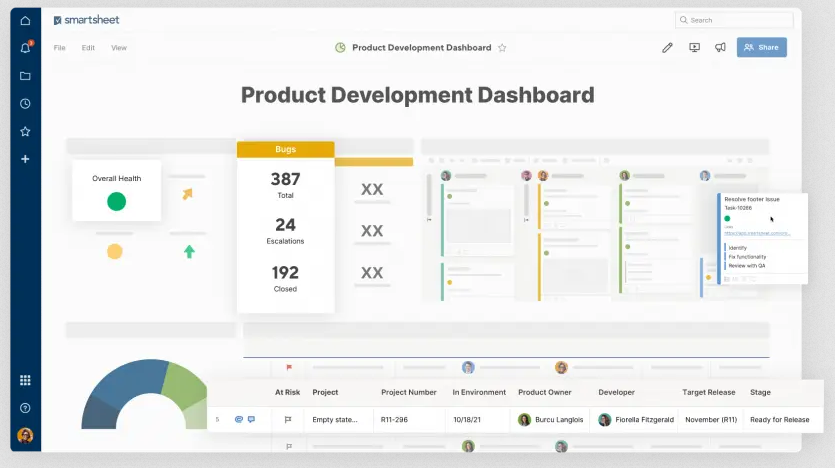
Smartsheet offers built-in, two-way connectors for Jira and Salesforce. With a no-code, user-friendly setup that takes much less time than Smartsheet’s other options, this may be the best way to integrate Smartsheet with these tools without deploying a third-party platform.
That said, you’re severely limited in tool options, and the connectors are pre-configured with limited customization. So while they might cover your core, essential use cases, they’re not flexible enough to handle all your integration needs.
Automation tools
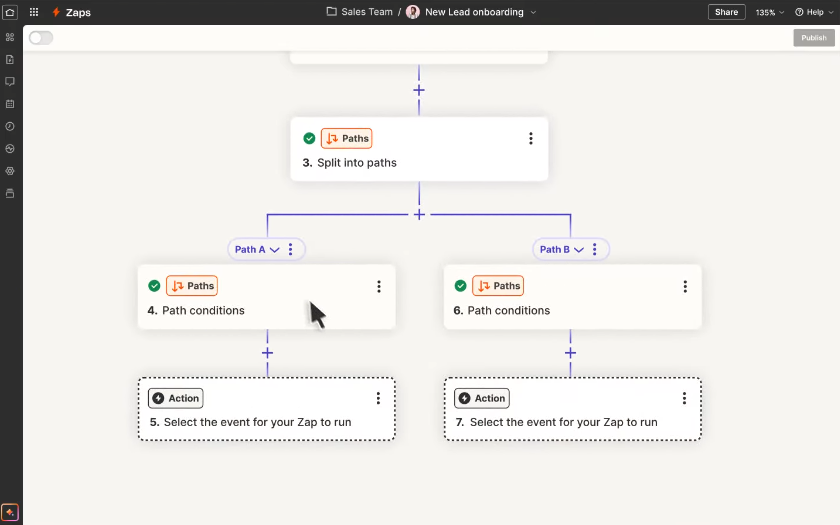
An automation tool, like Zapier or Make.io, uses if-this-then-that logic to push data from Smartsheet to other tools (or vice-versa). They’re usually some of the simplest integrations to set up, though they can’t modify or update data as well as other solutions. For instance, a single Zapier automation might create new rows in Smartsheet to match new work items in another tool or update specific rows, but it won’t do both. That makes these automations well-suited to simple integration needs, but they need to be combined in complex chains
2-way sync tools
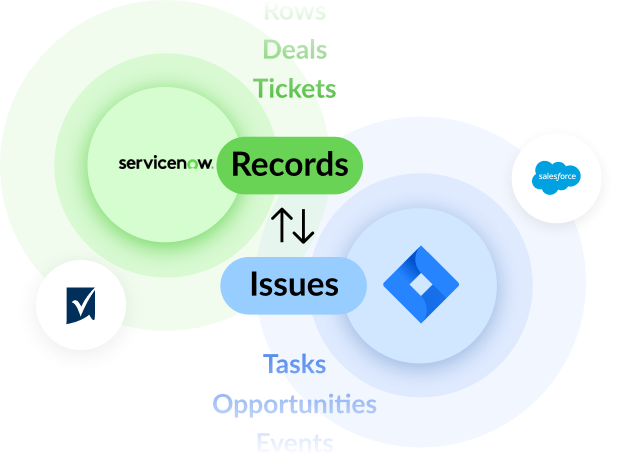
A 2-way sync tool is an integration that builds a deep, two-way relationship between Smartsheet and other tools, allowing for both the creation of new work items and the updating of most (if not all) fields in one tool as changes happen in another. With these platforms, you can truly work from Smartsheet with data from other tools while trusting that it’s up-to-date. Setting these up is often as simple as with automation tools, but they offer more depth in their integrations, which makes them the best of both worlds for most organizations.
Curious to learn more about how 2-way sync tools work? Check out our guides to integrating Smartsheet with other tools using Unito.
5 examples of tools you should integrate with Smartsheet
If you aren’t using any integrations, you’ll need to prioritize which ones you deploy first.
Project management tools
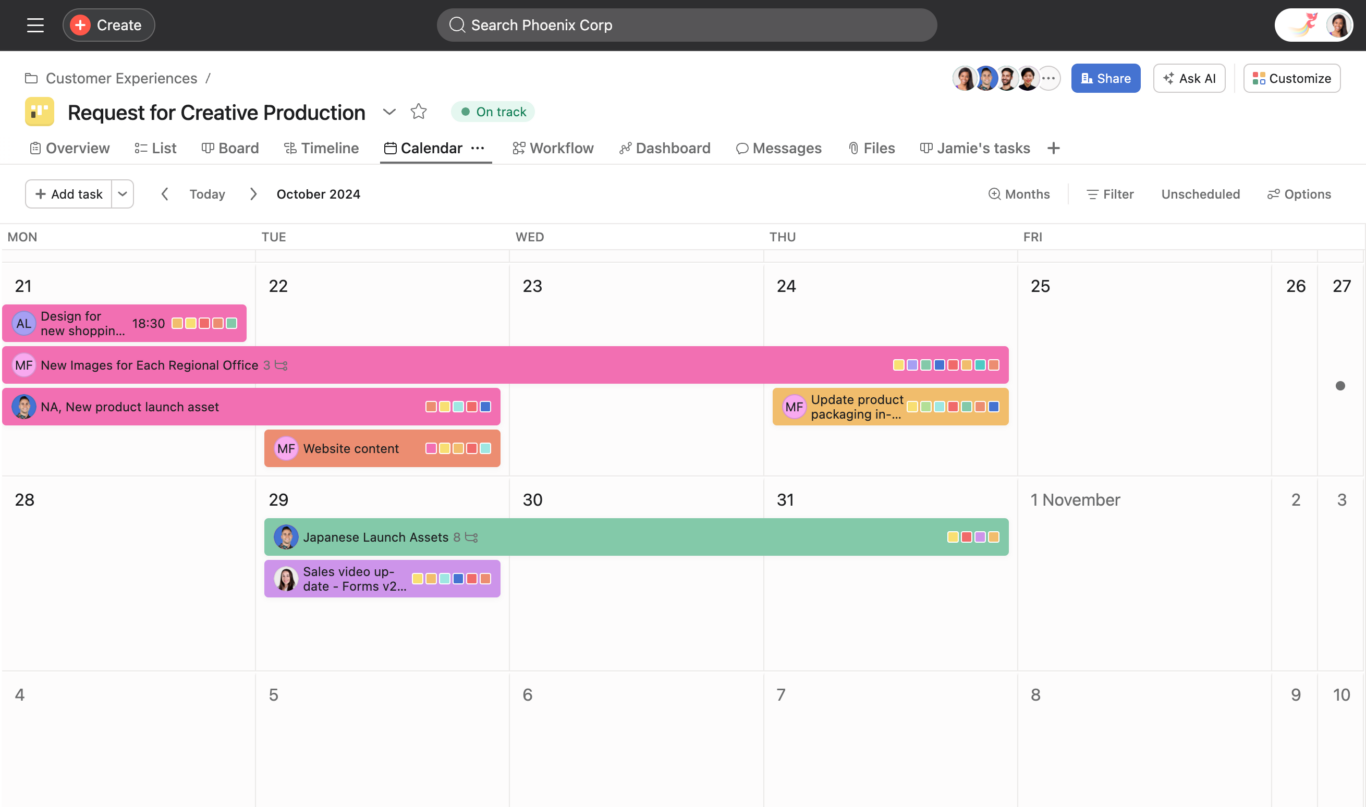
Even though Smartsheet is a powerful project management platform, it might not be used by all teams in your organization. When that’s the case, any projects that involve multiple teams or departments inherently require some integration to happen without intense delays.
Better yet, integrating all project management tools your organization relies on with Smartsheet creates a more holistic view of everything going on within it. That means leaders can create initiatives built on better data and project managers don’t have to worry about being blindsided by an important update happening in a different tool.
Examples of these tools
Spreadsheets
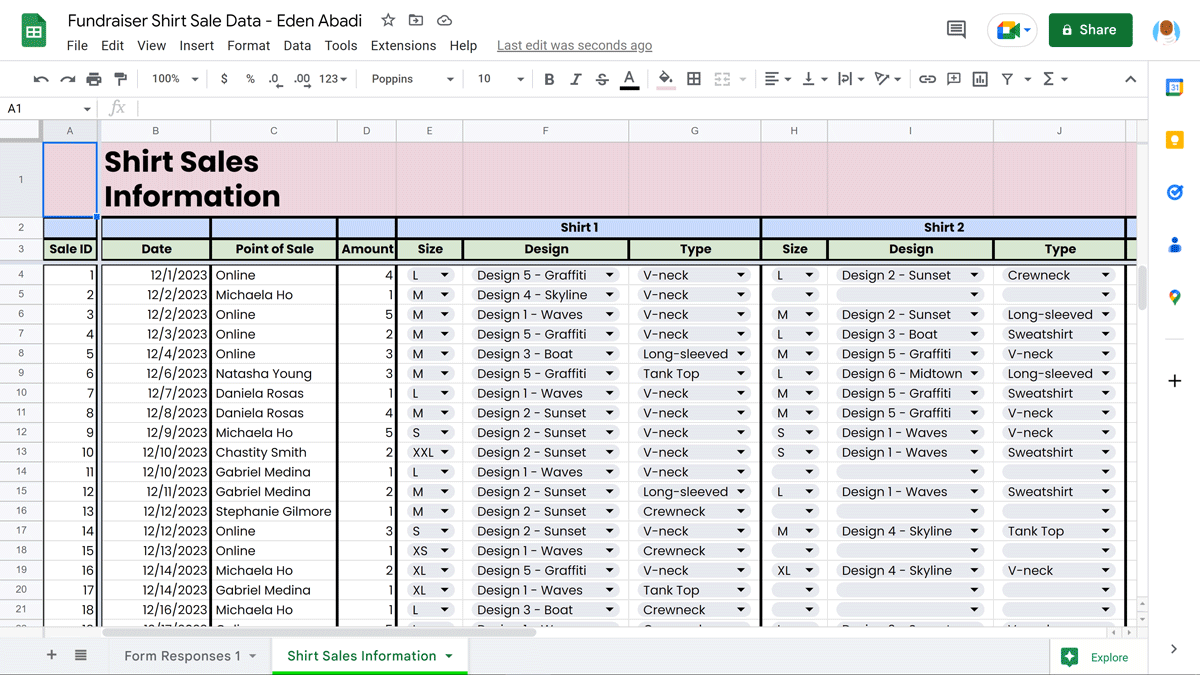
While Smartsheet strikes a strong middle ground between project management tools and spreadsheets, many of your workflows likely still depend on spreadsheets. Important reports, databases, and even entire projects might be managed in a spreadsheet tool like Google Sheets or Excel. Alternatively, you might use spreadsheets to back up Smartsheet data regularly.
Integrating spreadsheets with Smartsheet means your projects, reports, and more can have access to just about any necessary data. That leads to more informed decisions and better strategies.
Examples of these tools
Software development tools
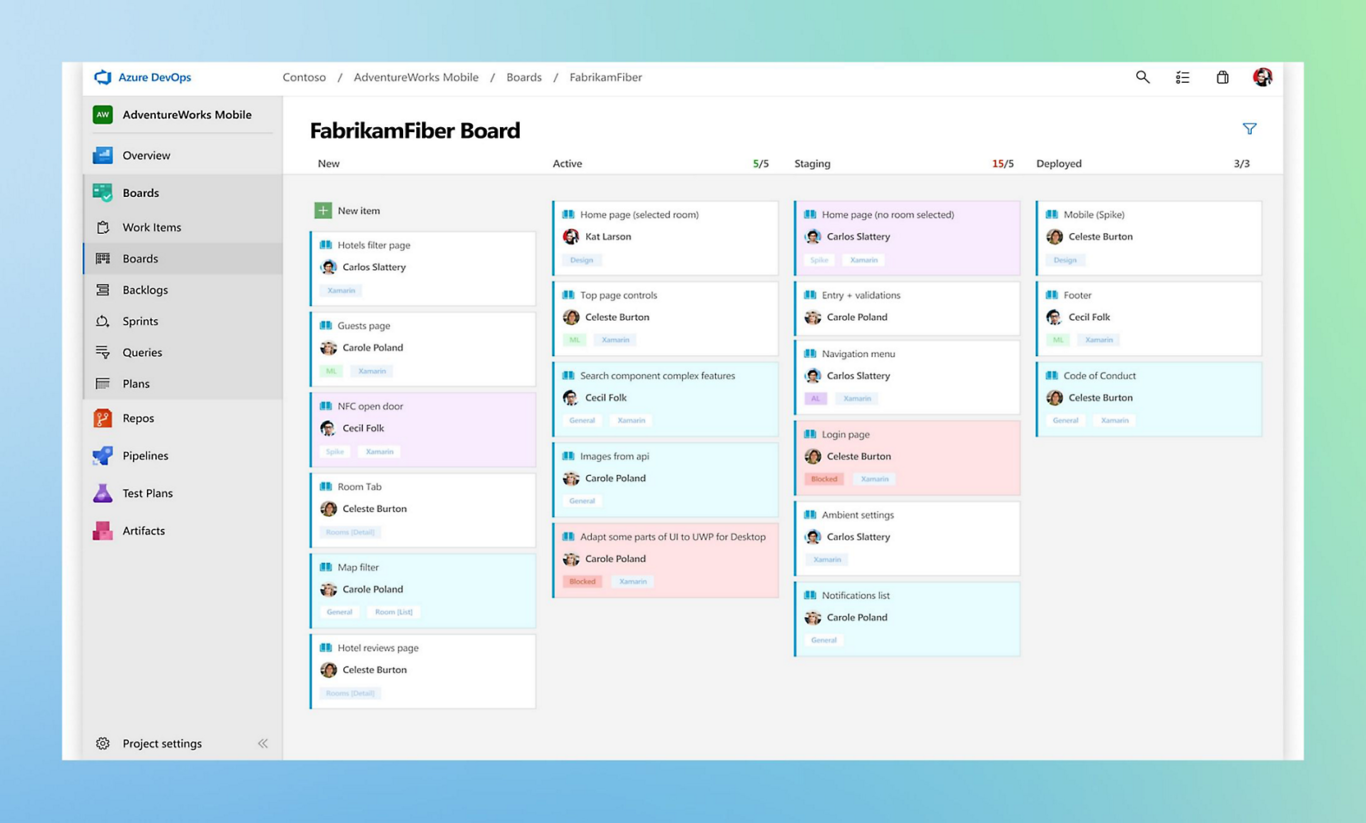
If your organization relies on any sort of software development — whether you’re within the tech sector or not — you’re likely used to not having much visibility on what developers do. Even if you manage software projects, you need to dive into the tools they use to get important updates. With your most important projects, where updates need to be shared with multiple stakeholders across their own tools, this can seriously slow down your work. With an integration, you can get all the updates you need without leaving Smartsheet.
Examples of these tools
Chat and meeting tools
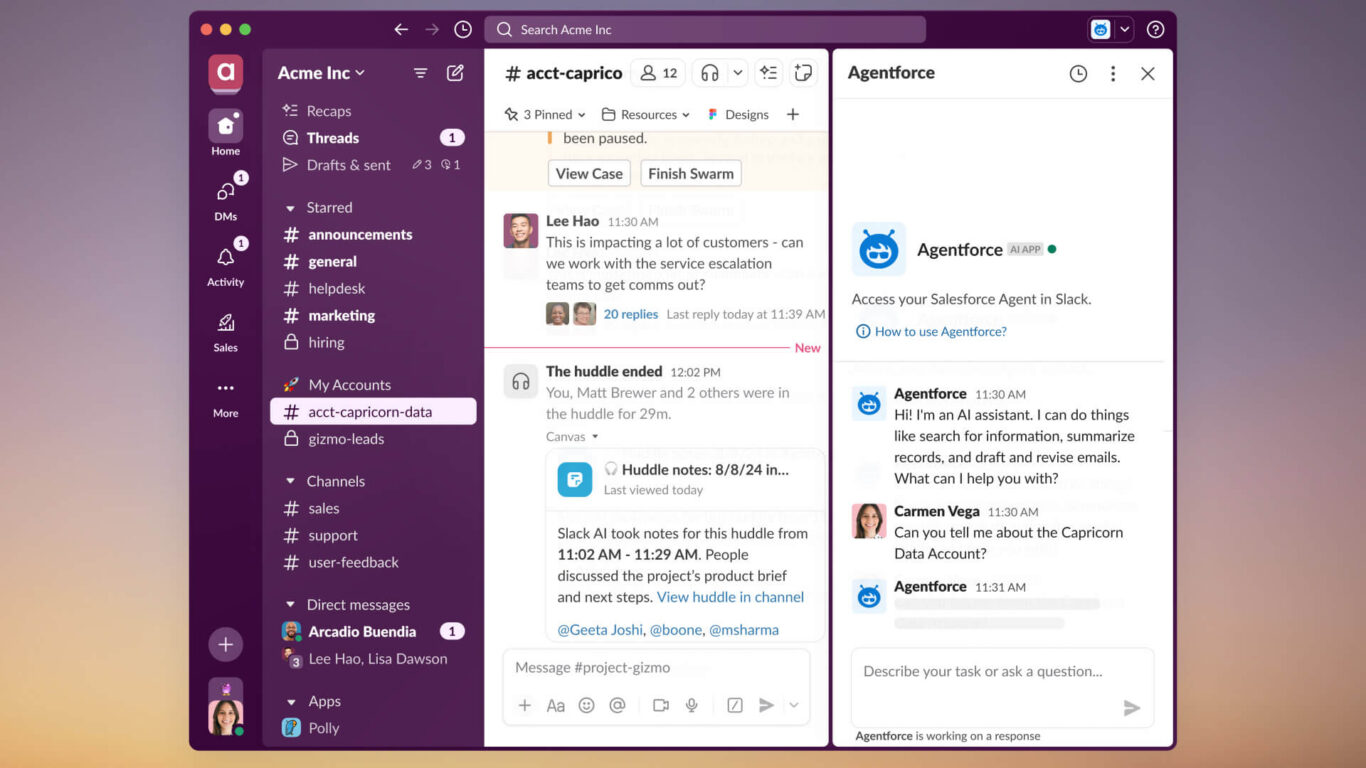
How many of your projects start as conversations in a chat app? Having to hop between a Slack channel and your Smartsheet sheets to get all the details you need to flesh out a project can make just getting started much heavier. Then, as progress is made in that project — and updates are shared in quick chat messages — more and more time needs to be spent keeping it up to date in Smartsheet.
With the right integration, those messages can instantly populate your projects so everyone stays in the loop without any extra manual work.
Examples of these tools
- Slack
- Microsoft Teams
CRMs
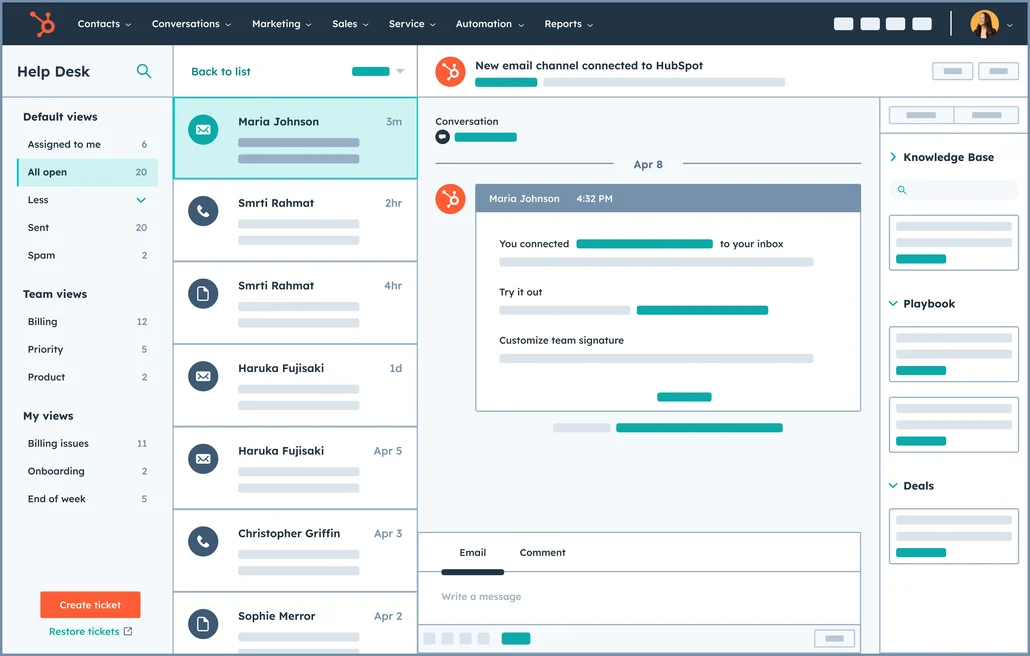
Your CRM (customer relationship management) tool is the beating heart of your customer-facing teams. Salespeople use it to hold the contact information they need to close deals and track the progress of those deals. Marketers use it in their campaigns and rely on its tracking features to judge the effectiveness of their initiatives. Customer success teams often house their entire service workflow within your CRM.
Integrating your CRM with Smartsheet can put customer data at your fingertips whenever you need it, as well as make support ticket escalations much smoother.
Examples of these tools
How to integrate Smartsheet with Unito
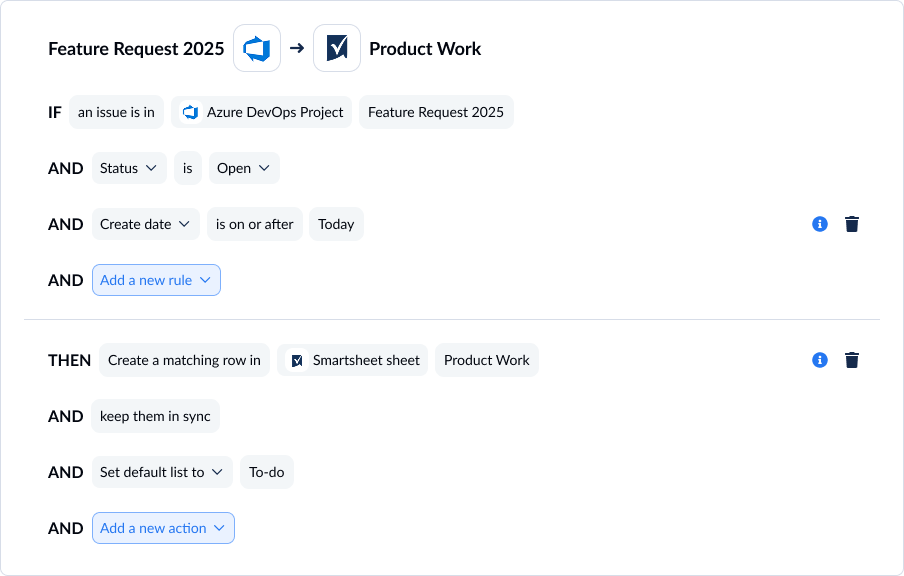
Step-by-step integration guide
- Connect tool accounts to Unito: After signing up for Unito, click +Create Flow and connect Smartsheet and the tool you’re integrating with to Unito.
- Choose flow direction: Flow direction tells your Unito flow where you need new work items created. Most Unito flows are two-way, meaning they automatically create work items in both connected tools.
- Set rules: Unito rules use trigger-action logic to filter out work items you don’t want synced or automate certain actions. To build a rule, set the trigger Unito should look for and the action you want it to take.
- Map fields: In most flows, Unito can automatically map fields in Smartsheet with fields in other tools. From there, you can customize field mappings to match statuses across tools, send data from some fields to fields specific to your workflow, and more.
- Launch your flow: Once you map your fields, your flow is ready to launch. After an initial sync, Unito will check for changes in real-time.
Curious to see this in practice? Check out these video tutorials to syncing Smartsheet with other popular tools:
- Syncing Smartsheet with Salesforce
- Connecting Smartsheet with Jira
- Integrating Smartsheet with ServiceNow
- Syncing Smartsheet with Azure DevOps
- Integrating Smartsheet with NetSuite
- Connecting Smartsheet with Asana
Challenges to watch out for when integrating Smartsheet
Integration depth
Integration depth refers to the number of fields an integration can read data from (or write data to) in Smartsheet, the actions it can automate, and the configurations it can support. Some automation platforms, for instance, can only automate the creation of individual work items (e.g., Smartsheet rows) or update a single field. This might be enough for simple workflows, but others need deeper integrations. A deeper integration might support two-way syncing between Smartsheet and other tools, update more fields with every sync, or even integrate with on-premise installations of other tools.
Real-time integration and event handling
Some integration solutions sync data in real-time, while others might only check for changes every few minutes, once a day, or even once every couple of weeks. While there are workflows that might only need data sent in large batches every so often, many workflows benefit from real-time data. Since not all integrations can support this, it’s important to research this capability when comparing options.
Deployment times and resources
Integrations almost always require some level of technical resources to deploy and maintain. However, some complex, enterprise-grade solutions require significant technical resources—either from a full IT team or third-party consultants — which might be beyond the ability or budget of some teams. Similarly, every integration takes some time to deploy, but that time can range from a few hours to a few months. Picking the wrong integration solution can lead to important projects being stuck for months as teams wait around for an integration to come online.
How to keep Smartsheet integrations secure
Integrating Smartsheet means data will move between platforms, which involves data privacy and security concerns. Here’s how you can keep your Smartsheet integrations secure.
Compliance
Integration solutions need to comply with data and security regulations in your jurisdiction. If you or your customers are in California, for example, you’ll need to use an integration platform that complies with the California Consumer Privacy Act (CCPA). Some industries also have their own data security regulations, like HIPAA in healthcare.
Access control
Some organizations prioritize accessibility for integrations, allowing any team to build one. However, this can create potential data security concerns, as data in one platform lands in tools that were never meant to hold that data — or may have less stringent security protocols. When you add software integrations to your tools, be proactive about determining who has access to these integrations and who can set them up.
Security certifications
In addition to establishing access control and other secure internal processes, you need to evaluate an integration solution’s security certifications — which many vendors will describe on their website. A certification like SOC 2 Type 2 shows a commitment to data security that will suit the needs of most organizations. That said, if you’re in an industry with more stringent data security requirements, you’ll need to research those, too.
Integrate Smartsheet with your tool stack using Unito
Unito is a 2-way sync solution for Smartsheet and over 60 integrations that keep all your work items up-to-date no matter where your teams work from. With some of the deepest two-way integrations on the market, you’ll have all the data you need in Smartsheet with regular updates to more fields than any other platform.
Curious to see how Unito’s Smartsheet integration works? Here’s a look at Unito’s Smartsheet-Salesforce integration.
FAQ: Smartsheet integrations
What apps integrate with Smartsheet?
Smartsheet offers built-in integrations for over 140 apps, including favorite enterprise tools like:
- Jira Software
- Slack
- Power BI
- HubSpot
- Microsoft Excel
What can you automate with Smartsheet?
Smartsheet’s automations allow users to automate routine tasks throughout their projects. Examples of these automations include:
- Alerting a specific user when a row meets certain criteria.
- Moving a row to another sheet.
- Generating updates from each sheet.
- Sending messages when certain criteria are met.
You can learn more about Smartsheet automations here.
Is there a Jira-Smartsheet integration?
You have a few options if you need to integrate Smartsheet with Jira:
- Use Smartsheet’s built-in Jira integration.
- Use a third-party automation tool like Zapier to automate some actions in Smartsheet.
- Use a 2-way sync platform like Unito to automatically sync data back and forth between Smartsheet and Jira.
Can Smartsheet integrate with Excel?
Yes, Smartsheet offers a built-in Excel integration that allows some automation. You can also use an app like Unito to automatically sync data back and forth between Smartsheet and Excel spreadsheets. You can find a guide comparing these two methods here.
Does Smartsheet have an API?
Yes, Smartsheet offers an API for building your own Smartsheet connectors. You can find all of Smartsheet’s API documentation here.