
 Asana Technology Partner
  4.5 on G2
  SOC 2 Type 2
 How teams connect Asana and ServiceNow
Pick the setup closest to yours. Unito syncs any ServiceNow table, native or custom.
-
 Tasks
Tasks
 Items sync both ways between Asana and ServiceNow
 Requested items
Send service requests to business teams
When a requested item is found in ServiceNow, create a matching task in Asana and keep them in sync.
 Status and comments from the Asana task show on the ServiceNow requested item, so the IT service desk can answer the requester without chasing business teams.
-
Tasks
Items sync both ways between Asana and ServiceNow
Incidents
Hand incident follow-up work to business teams
When an incident is found in ServiceNow, create a matching task in Asana and keep them in sync.
Status and assignee sync both ways, so the IT service desk sees on each ServiceNow incident who in Asana owns the follow-up work and when it's done.
-
Projects
Items sync both ways between Asana and ServiceNow
Incidents
Turn complex requests into structured project work
When an incident is found in ServiceNow, create a matching project in Asana and keep them in sync.
Incident tasks arrive as tasks in the Asana project with their assignees, so the IT service desk sees who owns each step of the response from the incident.

Trusted by Fortune 500 companies and global brands












Watch Asana and ServiceNow sync both ways
Demo video:
Asana and ServiceNow 2-Way Sync
Everything Unito syncs between Asana and ServiceNow
Choose which tool creates new items and which way each field syncs, so ServiceNow requested items can create Asana tasks while status and comments update both ways. Set rules on field values to decide which requested items and tasks sync.
Asana
Supported object types
- Tasks
- Subtasks
- Milestones
- Projects
- Portfolios
- + All task types
Also syncs
 Comments
 Attachments
 Subtasks
 Dependencies
 Hierarchies
 Rich text
Supported fields
 Two-way
- Task name
- Description
- Status
- Assignee
- Due date
- Start date
- Tag
- Blocking
- Comment
- Parent
- Section
- Subtask
- Attachment
 One-way (read only)
- Task type
- Project
- Created by
- Workspace
- Completed at
- Actual time
- Completed by
- Completion date
- Created at
- Link to task
- Updated at
- Task ID
Two-way
- Name
- Description
- Owner
- Due on
- Archived
- Color
- Team
One-way (read only)
- Completed
- Start on
- Workspace
- Completed at
- Current status update
- Created at
- ID
- Updated at
- Link to project
Two-way
- Name
- Due on
- Start on
- Color
One-way (read only)
- Owner
- Archived
- Created by
- Workspace
- Current status update
- Members
- Created at
- ID
- Link to portfolio

ServiceNow
Supported object types
- Incidents
- Problems
- Change requests
- Requested items
- + Any table (native & custom)
Also syncs
- Comments
- Attachments
- Hierarchies
- Rich text
Supported fields
Two-way
- Display name
- Description
- State
- Assigned to
- Priority
- Category and subcategory
- Active
- Caller
- Escalation
- Impact
- Opened by
- Resolved by
- Time worked
- Urgency
- Work notes
One-way (read only)
- Created by
- Number
- Updated by
- Created
- Link to record
- Updated
Real-time data sync with full control, no coding required
Enterprise-grade sync without the enterprise-grade complexity
Project teams shouldn't need a ServiceNow seat to see IT progress, and IT shouldn't need Asana access to see project status. Unito bridges both tools with no-code sync that either side can manage.
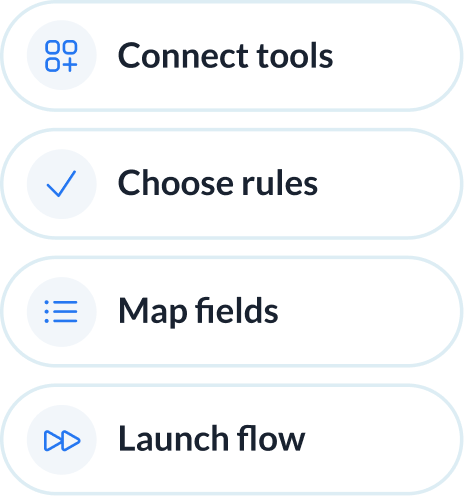
Abstracted complexity
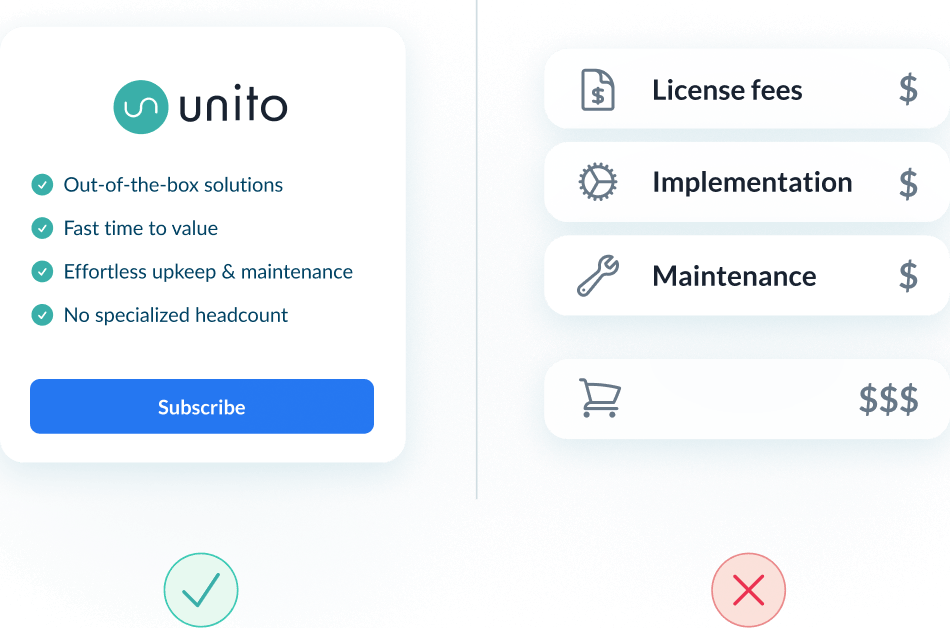
Lower total cost of ownership
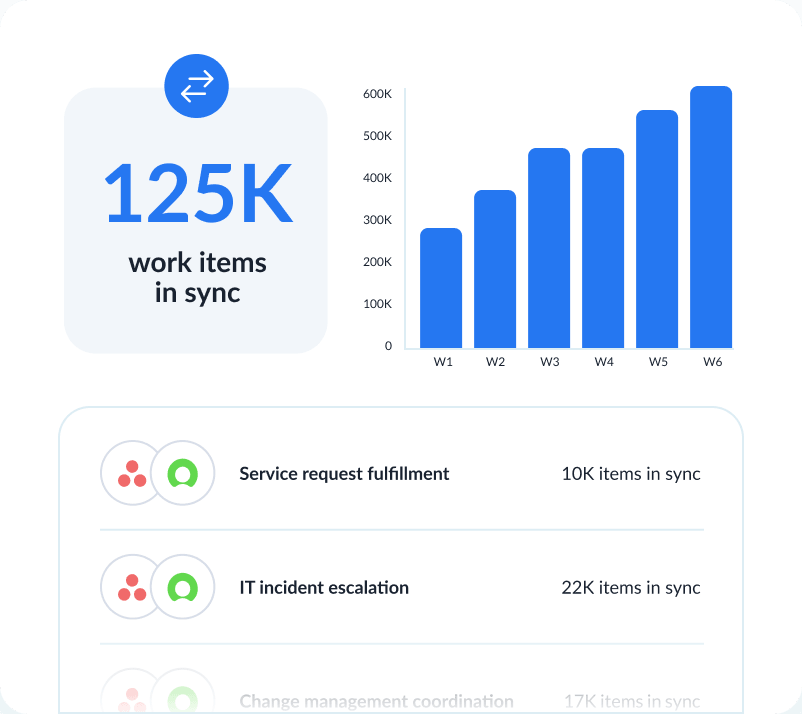
Scalability and resilience
Enterprise-grade control and reliability
Unito is designed to meet the highest standards of security and performance.

SOC 2 Type 2 certified

GDPR and CCPA compliant
- SSO
- Secure from end to end
- Access controls and flow permissions
- Centralized monitoring tools
- No data stored by Unito
See how teams succeed with Unito
-

"Unito’s flexibility and support were critical. They didn’t just provide a tool; they became a partner in solving our workflow challenges."

$595k
saved annually
21k
tasks synced monthly
7.9k
hours saved annually
-

"Absolutely love the two-way sync. It allows our pipeline to run seamlessly from Sales to Engineering, while ensuring everyone is on the same page in Salesforce and Jira."

$312k
saved annually
2600
hours saved
-

"Unito grants more visibility to executives and projects managers. Syncing Jira and Wrike provided more clarity in our reporting and enables collaboration between teams."

$291k
saved annually
3328
hours saved
-

"We saved more than 40 hours a week after syncing Asana and Jira through Unito. Our engagement with the C-suite was far, far better than expected. "

$218k
saved annually
2236
hours saved
-

"Unito isn’t just a nice-to-have—it’s a necessity once you realize how much time and effort it saves."

8.5
weeks IT time saved/year
30-40
ServiceNow licenses saved
9.79x
ROI
-

"Unito allows us to use the right project management and development tools so our teams can do their work without changing how they work."

$98k
saved annually
1040
hours saved
See how you can sync Asana and ServiceNow with Unito
Walk through your Asana and ServiceNow workflow with someone who has configured this integration before. No commitment required.
What to expect
- A 15-30 min call to assess your workflow and integration needs
- A solutions overview of Unito’s sync platform
- Hands-on help to get started and support your evaluation
Frequently asked questions about Asana and ServiceNow
Setup happens in Unito: connect your Asana and ServiceNow accounts, then choose which work syncs between them. If you already run project work in Asana and need it linked to ServiceNow, see our Asana + ServiceNow setup guide for each step.
Yes. Flow rules can create an Asana task whenever a ServiceNow incident meets specific criteria, such as severity level or assignment group.
Yes. Flow rules can target specific Asana projects based on the ServiceNow assignment group, severity, or category of the incident.
Work notes sync only if you include them. Unito can sync ServiceNow’s private work notes separately from public comments, one-way or two-way, but a security_admin must first grant a journal-entry role to each person building the flow.
You need a ServiceNow account with REST API access and permissions for the tables you want to sync. Full admin access is not required.
It’s bidirectional. Asana task name, description, status and assignee, and ServiceNow incident name, description and state, sync two-way. Which tool creates new items and which way each field updates are set separately. For most connectors, edits to synced comments don’t carry over.
Yes. Unito maps custom fields by type, such as Number to Number or Date to Date, and most types can fall back to a Text field. Asana date, number, people, single- and multi-select fields are supported. Each mapping is one-way or two-way, though some are forced one-way.
About Asana
Asana is a leading work management platform that helps teams organize, track, and manage their work. From simple task lists to complex project portfolios, Asana gives teams the clarity they need to move faster.
Learn more about Unito's Asana integrations ↗Popular Tool Pairings
About ServiceNow
ServiceNow functions as a digital help desk for organizations that want cloud-based solutions for IT, HR, customer service, and other departmental needs.
Learn more about Unito's ServiceNow integrations ↗