
How to Connect Project Management Tools Across Departments
Few organizations use a single project management tool across all teams. When work crosses tools, someone has to copy updates between them or pull every team into alignment meetings.
Many leaders then think migration or consolidation is the fix, but it often costs more than keeping multiple tools. That’s why connecting project management tools with the right integration is the best approach.
How to connect tools across departments without replacing them
Tool sprawl is a growing problem, with organizations using an average of 305 SaaS applications, according to Zylo’s 2026 SaaS Management Index. Redundancy is especially problematic in project management, where organizations average 10 PM tools. When leaders see the impacts of this issue (e.g., excess SaaS spend, collaboration problems), they usually default to one solution: consolidation. But consolidating all teams into a single project management tool requires migrating data from multiple platforms to one. That comes with costs and risks:
- Feature loss: Multiple project management tools can look redundant, but they aren’t interchangeable. Engineering loses Jira’s sprints and issue workflows. Marketing loses Asana’s portfolio views. PMs lose Smartsheet’s sheet-based planning.
- Retraining: When consolidating work from multiple tools into one, at least one team will have to learn how to use a completely new tool. That takes time and can lead to mistakes.
- Rebuilding workflows: Workflows are built around specific tools. That includes the automations that streamline each team’s work. These automations often have to be built from scratch after consolidating tools.
- Lost project history: Even in a world where you can move historical data between tools, some of that data will get lost. Or, at the very least, the connections between individual bits of historical data might not carry over.
- A period of distrust: While the migration runs and work overlaps across systems, teams will hesitate to trust any record as the ultimate truth.
Because consolidation is costly and risky, connecting multiple project management tools is often the best approach for working effectively across departments.
How project managers connect tools
Project managers typically use one of three types of integration to connect project management tools:
- Native integrations: This covers a wide range of integrations that are built into project management tools. Asana, for example, has built-in integrations for Jira, Salesforce, GitHub, Notion, and more. These integrations are often a natural first step for project managers, since they can create visibility on work happening in other tools. That said, they often move data in one direction or have limited field support.
- One-way workflow automation: One-way automation tools like Zapier and Make use Zaps or flows to automate simple actions across tools. One Zap or flow might update a single field in Asana when a similar field is manually updated in Smartsheet, or automatically create a Jira work item to match an Asana task. These tools can be used to push data back and forth between tools, but that involves chaining multiple automations. That creates extra troubleshooting and maintenance work.
- Two-way sync: A two-way sync platform like Unito uses flows to connect blocks of work (e.g., projects or sheets) in multiple tools, moving data back and forth between them. Each individual flow connects a pair of blocks of work, meaning just a few flows can be enough to keep data moving between all your project management tools.
How two teams collaborate in two different tools
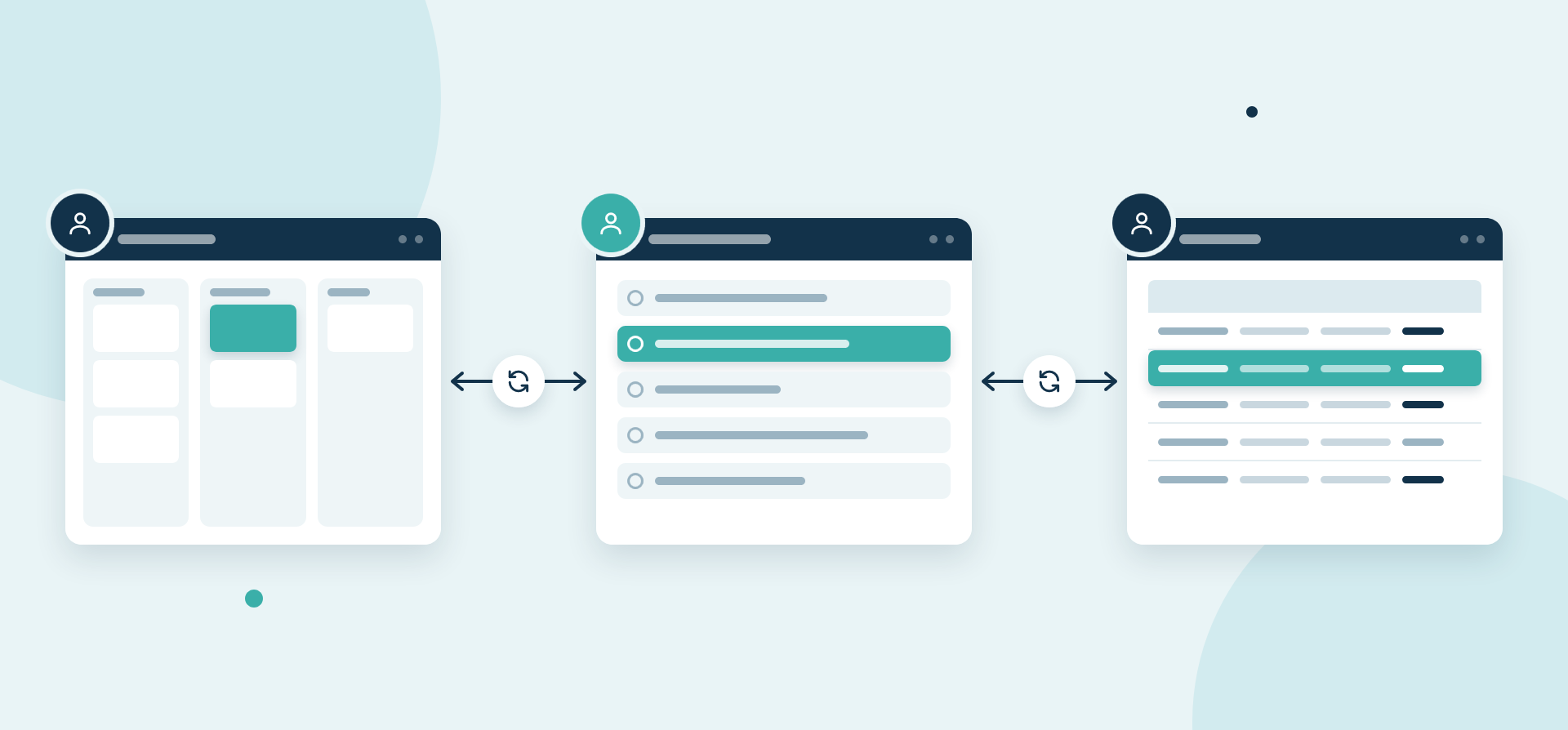
When connecting project management tools, the main goal is to allow each team to work in their tool exclusively, while still having access to context and updates from other tools. From the user’s perspective, the only change is that nobody checks other tools or chases updates in chat and email.
But behind the scenes, when PMs use a two-way sync platform to connect tools, here’s what happens:
- A work item is created in tool A. For example, engineering opens a work item in Jira to represent a new product feature.
- The two-way sync tool picks up the initial work item. Typically, a flow will have parameters a work item must meet before it’s synced, such as a “product update” label in Jira.
- A new work item is created in tool B. For example, an Asana task is created to match that original Jira work item, automatically populated with any fields mapped in the original flow. A due date might be filled automatically, and comments from engineering are automatically added to Asana.
- Changes are tracked and moved back and forth. For example, when engineering adds notes about a product feature to a Jira work item’s description, the notes are automatically synced to Asana, helping marketers plan their campaigns more effectively.
This same process applies to every work item in both tools, as long as it meets the parameters set in the original flow. This prevents teams from getting flooded with updates that aren’t relevant to their work, while ensuring they have visibility on the updates that are relevant for them. This saves on license costs, as each team needs seats only for the tools they use every day, not for every related tool.
An example of collaboration across tools
Here’s how a two-way sync like Unito connects Asana and Jira so marketing and engineering can coordinate a launch.
First, a marketing team plans a campaign in Asana. They create tasks for each milestone, including one called “Product research” with an “Engineering input” label that gets it synced over to Jira.
In Jira, the two-way sync automatically creates a new work item called “Product research” to match the original Asana task. It comes pre-filled with any questions marketing added to the description in Asana, allowing engineering to see everything marketing needs answers on.
Now, say engineers need to ask follow-up questions to know exactly what marketing needs. They add their questions as comments in Jira, which automatically become comments in Asana. When marketing answers, the comments are sent back to Jira.
Whenever engineering adds answers in Jira, in comments, the description, or attachments, all of that gets synced back to Asana. Once engineering has answered all of marketing’s questions, they can mark the Jira work item as “Done,” which leads to a matching status change in Asana.
Here are the fields an Asana-Jira integration would sync for this use case.
| Asana field | Jira field | Direction |
| Task name | Summary | Two-way |
| Description | Description | Two-way |
| Assignee | Assignee | Two-way |
| Due date | Due date | Two-way |
| Section or custom status field | Status | Two-way |
| Comments | Comments | Two-way |
How to give leadership visibility across Jira, Asana, and Smartsheet
Jira, Asana, and Smartsheet are three of the most popular project management tools on the market, and each serves a different purpose, so leaders often want one report across all three. That can be done by integrating project management tools with a single reporting destination (e.g., a specific sheet in Smartsheet or a Google Sheets spreadsheet). A two-way sync platform like Unito that allows users to fine-tune sync direction per flow (and even per field) is essential to making this kind of reporting work.
Each project management tool needs flows connecting it with your reporting layer, wherever that actually lives. Say, for example, Jira and Asana projects are reported on in a Smartsheet sheet. Every project requires its own one-way flow, from the source tool to the reporting tool. That flow creates new rows in Smartsheet to match work items in Asana and Jira, with fields in Smartsheet automatically updated as work progresses. That one-way direction means creating new Smartsheet records doesn’t automatically create new work items in Jira or Asana. This prevents duplicate item creation and infinite loops, which are often a problem with automation tools like Zapier. A work item in Asana turns into a Smartsheet row but not a Jira work item; a Jira work item becomes a Smartsheet row but not an Asana task.
Field mappings allow even disparate fields in Asana and Jira (e.g., a “Doing” and “In Progress” status, respectively) to be matched to a single output in Smartsheet (e.g., an “Active work” status), improving visibility and clarity.
At the end of the day, leadership gets live status updates on the work happening in Asana and Jira, a clear picture of who owns what, and a timeline of when everything’s due. All without a weekly manual export.
The costs of disconnected tools
Disconnected project management tools create costs that go beyond the price of an integration platform or the cost of migration.
Time lost reconciling status
When teams use multiple project management tools, status updates are scattered and difficult to reconcile. That means someone — whether a project manager or a leader — has to manually find and reconcile sometimes conflicting status updates. That’s time that could easily be spent on other tasks.
Decisions based on stale data
Leaders need up-to-date data to make the best decisions, and disconnected tools serve up stale data. Status updates conflict, essential comments fall through the cracks, and reports come in whenever someone manually exports necessary data.
Missing risks
Risks like slipping deadlines and obscure dependencies can go completely unnoticed by leadership when tools aren’t properly connected. That can lead to important projects going over budget, blowing past deadlines, or screeching to a halt as essential tasks aren’t completed.
FAQ: Connecting project management tools across departments
Do we need to standardize on one project management tool?
Not necessarily. By standardizing workflows and using integrations to bridge the gap between project management tools, your teams can still work across multiple project management tools without sacrificing productivity. That comes with a cost, but so does centralizing all work in a single tool. Teams take an initial productivity hit when they switch tools, especially when these tools aren’t initially suited to their workflows.
What’s the difference between a native integration and a two-way sync?
A native integration is built right into a project management tool and can be accessed without a third-party vendor. A two-way (or bidirectional) sync is a type of integration that pushes data back and forth between tools. A two-way sync can be found both in native integrations and third-party integrations; it’s a type of data flow rather than a type of integration platform.
Can one sync connect Jira, Asana, and Smartsheet together?
Usually, a single sync will connect a project in one tool (e.g., Jira) with a project in one other tool (e.g., Asana). To connect Jira, Asana, and Smartsheet together, you would need three individual syncs:
- Jira←→Asana
- Asana←→Smartsheet
- Smartsheet←→Jira
How do I explain to leadership that connecting tools costs less than migrating?
To make the case for integrating tools rather than migrating, focus on the costs of a migration, such as:
- Productivity loss: Workflows can’t be paused, and working through a migration can lead to essential updates falling through the cracks, important tasks going missing, and lost time as team members chase updates between tools.
- Lost data: It’s not uncommon for comments, status updates, tasks, or even entire projects to go missing during a migration. That can put undue pressure on workflows and cost extra time as PMs go chasing missing data.
- Migration time: A migration can take anywhere from days to months, and it usually takes longer than a team originally plans for. During that time, workflows and projects are impacted. After that time, there’s usually follow-up data cleaning and low productivity as teams adjust to the new tool.
- Compliance post-migration: Depending on the security frameworks and compliance requirements your organization has to meet, you may need to keep old project management tools running for a certain amount of time so old data is retrievable.
What happens when two teams use different status names?
Using different statuses in different tools can lead to confusion. “Backlog” in Jira might seem equivalent to “To Do” in Asana, unless that Jira workspace also has a “To Do” status. Whether you migrate everyone to the same tool or use integrations, you’re bound to see conflicts that lead to miscommunication and lost productivity. Field mapping fixes this by matching each status to its equivalent in the other tool.
Is switching every team to one tool ever the right call?
Yes, if teams can share all their work in a single tool that meets all their needs, then switching every team to that tool is the right call. That being said, not every project management tool can handle all types of workflows.
Keep project work moving smoothly
Consolidating all projects into a single tool is rarely the solution for cross-tool workflows. Connecting project management tools with a two-way sync platform keeps work moving smoothly and improves executive reporting, all without forcing teams to migrate to a different tool.
Ready to sync?
Meet with a product expert and see what Unito can do for your workflows.