

Best Workflow Automation for SaaS Tools: 6 Ways to Keep Your PM and Collaboration Stack in Sync
You’re running multiple project management tools. Your engineers use Jira because it’s the industry standard. Marketing uses Asana because that’s what the head of marketing deployed when the team was first formed years ago. Your ops team uses Smartsheet because it’s the closest they can get to using a spreadsheet without sacrificing deep project management features.
Each tool serves its own purpose. But using them all comes with a cost. Manual status updates slow down every project. Duplicate work items mean no one really knows where to go for the most up-to-date information. That’s why most organizations eventually choose between migrating from multiple overlapping tools to a single one and using workflow automation to connect their SaaS tools.
Here’s how to do the latter.
What “connecting SaaS tools” means with PM/collaboration tools
When dealing with project management and collaboration tools, “connecting SaaS tools” means using integration software to pair multiple tools so due dates, assignees, descriptions, attachments, comments, and more are kept up-to-date in each tool. It’s not about keeping your entire stack in sync; it’s about closing the gaps between a few project management tools.
Connections between project management tools come in different types, from automations that just create new work items to two-way sync platforms that replicate every update you make manually. The level of integration you need depends on your workflows and what your teams need.
Best workflow automation for SaaS tools: Comparison table
| Tool | Integration Type | Best For | Starting Price |
| Unito | Two-way sync | Teams running multiple PM/collaboration tools that need real-time bidirectional sync. | Basic plan starts at $65 a month. |
| Native integrations | Varies | Teams that only need automation within one tool. | Usually included with existing tool licenses. |
| Zapier | One-way automation | Simple, linear handoffs between PM tools. | Professional plan starts at $29.99 a month. Free plan available. |
| Make | One-way automation | Teams wanting more visual control over branching/conditional logic. | Core plan starts at $10.59 a month. Free plan available. |
| Workato | Enterprise iPaaS | Larger organizations needing complex automation with strong governance. | Prices aren’t public since each plan has custom pricing. |
| Exalate | Two-way sync | Teams wanting configurable two-way syncing and with the technical resources for custom scripting. | Starter plan is $100 per integration. Free plan available. |
Unito: Two-way sync across your PM and collaboration stack

Unito is a two-way sync platform with some of the deepest integrations for popular PM and collaboration tools, like Asana, Jira, Smartsheet, Wrike, and monday.com. Where most other integration tools use trigger-action logic for one-way automations, Unito’s two-way integrations build consistent relationships between work items in multiple tools, keeping everything up to date as you work.
Unito integrations can automatically map fields across tools, support custom fields, and filter out data you don’t want synced. Imagine, for example, a marketing team using Asana and a software development team using Jira, connected through Unito’s Asana and Jira integration. The marketing team needs to keep an eye on product work to plan their campaigns around important product updates and occasionally collaborate with developers directly. With Unito, Jira issues with a specific label (e.g., “marketing”) are synced to Asana where marketers can see them. When marketers leave comments or questions in synced Asana tasks, they’re sent to Jira where developers can answer them. Statuses, due dates, and other updates are synced to Asana as well. It’s the closest these teams can get to working in the same tool.
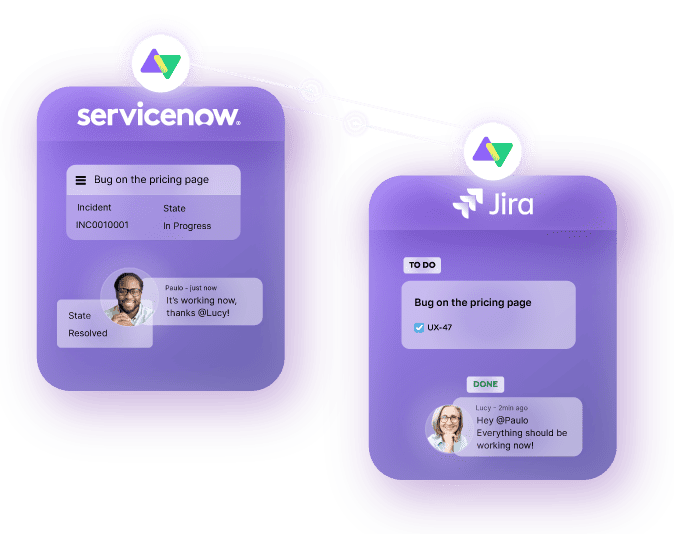
Unito supports 60+ tools, including cloud-based hosting tools like GitHub, ITSM platforms like ServiceNow, and more.
Native tool automation
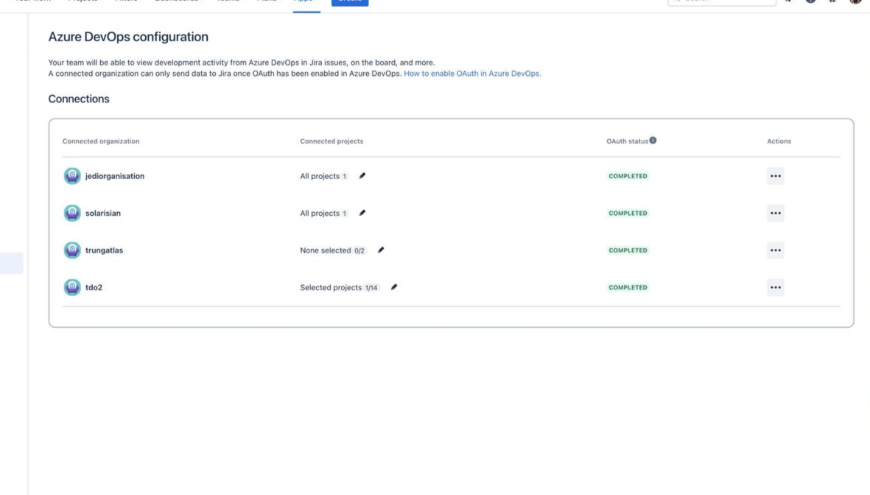
Many project management and collaboration tools have built-in automations that go beyond that specific tool’s boundaries. Asana, for example, has automations specifically for its projects and tasks (e.g., Asana Rules and the Asana Workflow Builder) but also has automations that connect with tools like ServiceNow, Salesforce, and Dropbox.
These automations range in accessibility, depth, and price, depending on the tool they’re in. Jira, for example, has relatively deep integrations with tools like Trello and Confluence, since all these tools fall within the Atlassian umbrella. But Trello’s GitHub Power-Up, for example, only gives you a preview of information in GitHub tied to that card. You can’t sync any changes to GitHub from the work you’re doing in Trello.
Native tool automations and integrations are a natural first step for teams that start feeling overwhelmed by their tool stack. But they rarely have the depth needed for most cross-tool workflows. Pricing varies on the tool you’re using, with some native automations being included in your license and others coming as a premium add-on.
Zapier
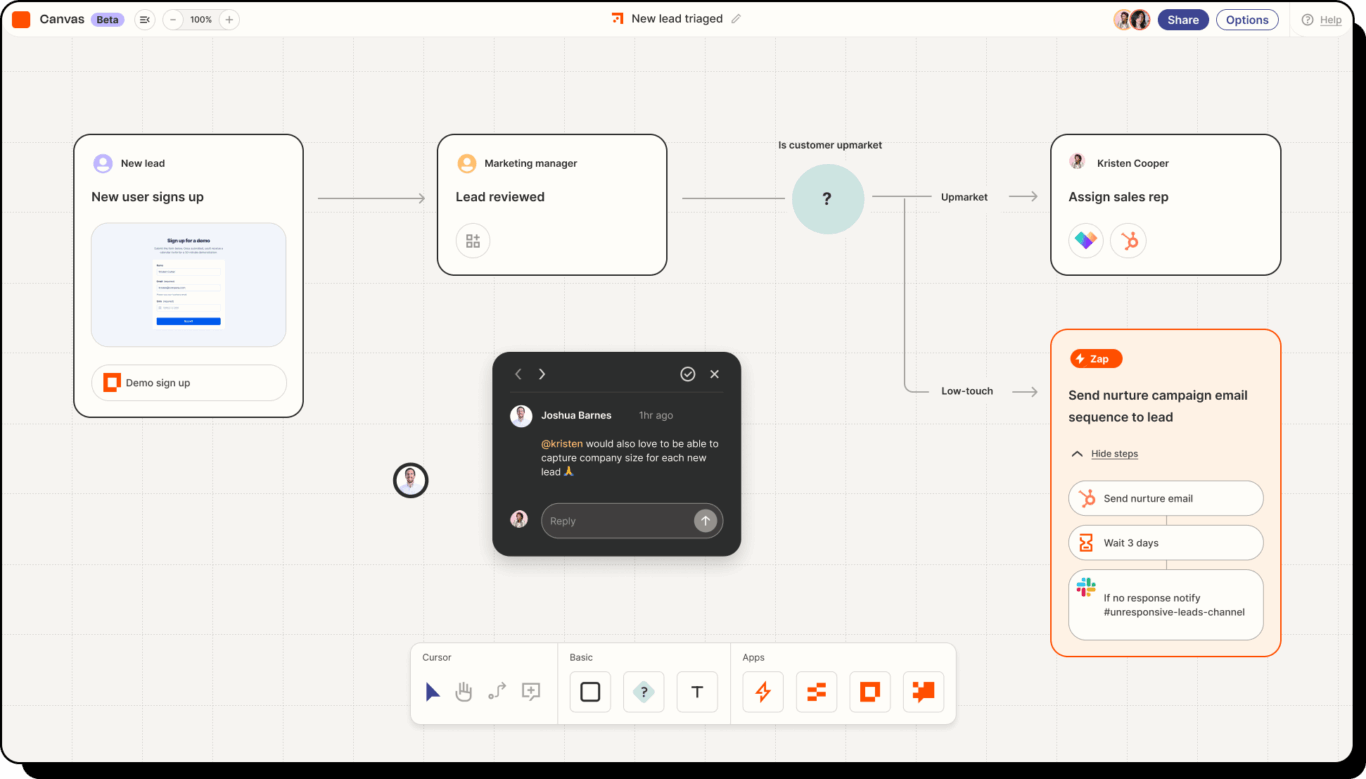
Zapier is one of the most accessible workflow automation platforms for SaaS tools, with thousands of possible integrations. It uses one-way, trigger-based logic to automate simple actions across tools, like creating work items or updating a single field. For example, a single Zapier automation might automatically create new ServiceNow records to match Asana tasks you create when these tasks meet certain requirements (e.g., specific assignees or labels).
These automation tools are best for simple, linear workflows. But to match deeper integrations, you have to chain multiple automations together, whether it’s to handle multiple fields or to move data back and forth between tools. This introduces troubleshooting and maintenance requirements that other integration options don’t have.
Zapier’s pricing is based on the number of tasks you automate each month, with features like multi-step workflows, webhooks and shared workflows locked behind more expensive plans. See how Unito compares with Zapier for a side-by-side breakdown.
Make
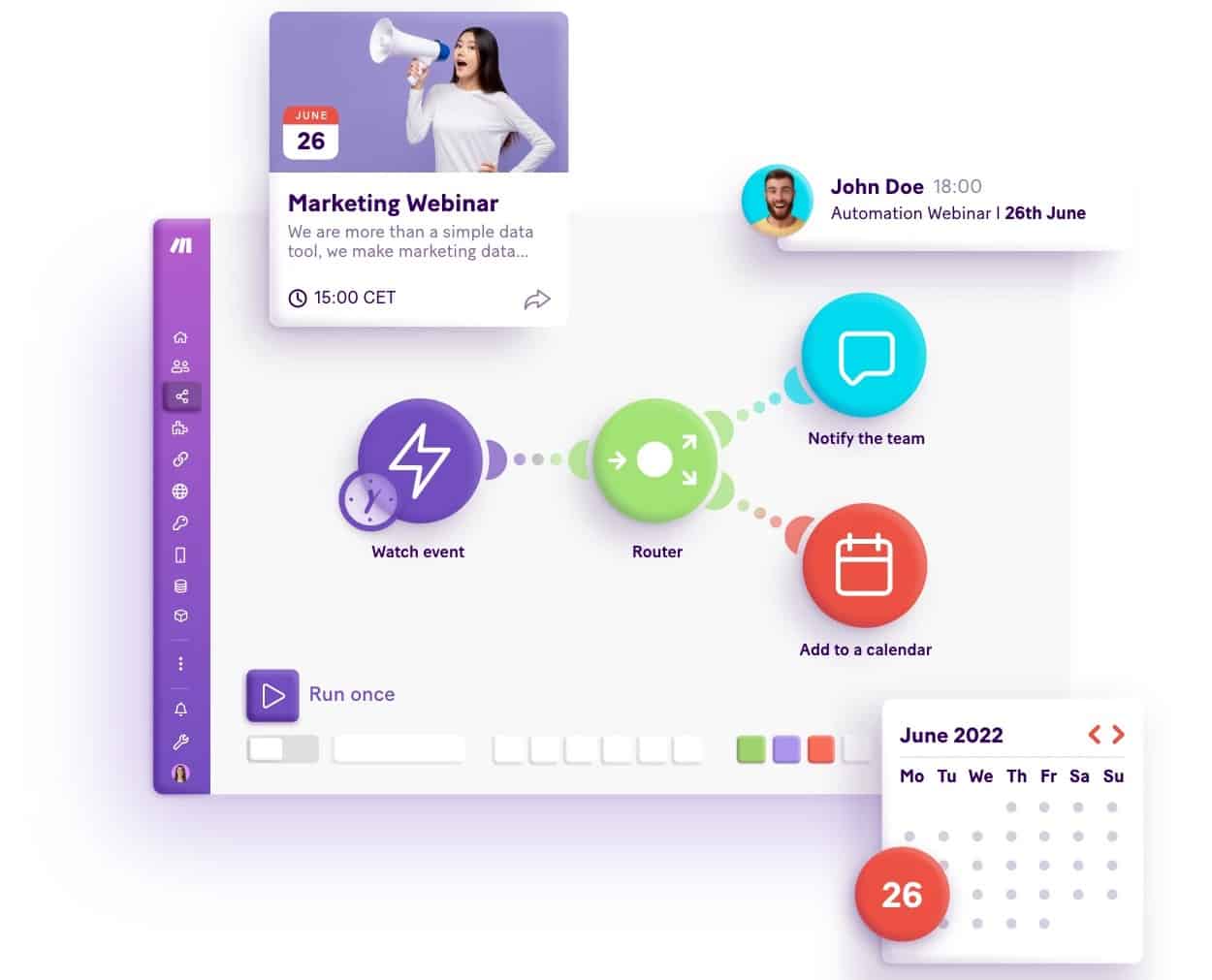
Make (formerly Integromat) is a one-way automation platform with a visual interface that allows users to build more complex automations than tools like Zapier. It allows you to map out intricate, branching logic, building “scenarios” rather than linear rule chains. Zapier is mostly linear, while Make allows you to branch, loop, and route data based on specific conditions you set in each scenario, which matches the requirements of project management workflows better.
As with other one-way automation platforms, a change in one PM tool can trigger an action somewhere else in your scenario, but updates made there don’t sync back to that initial tool.
Pricing for Make uses a credit system, with every module in a scenario consuming a credit every time it runs. That means complex, multi-step scenarios cost more to run than simple ones. Make is best-suited to teams that only need one-way automation but want more visual control over complex scenarios than with tools like Zapier. Here’s how Make stacks up against Unito.
Workato
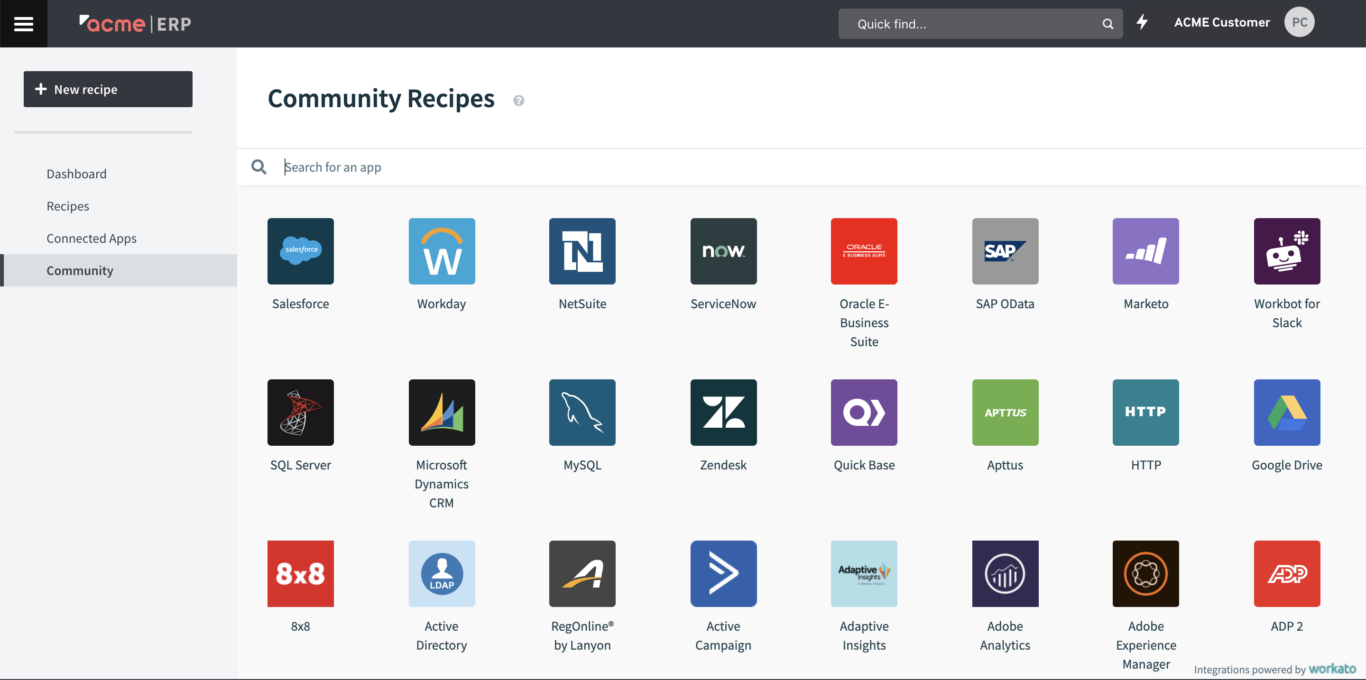
Workato is an enterprise-grade workflow automation platform that connects SaaS applications and orchestrates business processes for both cloud and on-premise systems. It doesn’t follow the same kind of one-way logic that Zapier and Make do. With Workato, you build automated “recipes” that span your entire PM and collaboration stack, your CRM, your ERP, your finance systems, and more.
Workato’s recipes are low-code, meaning you’ll need at least some technical resources to set them up. This gives you additional control over your integrations, but usually means recipes are deployed and managed by an IT department.
Prices for Workato aren’t public; users need to reach out to their sales team for a quote that’s specific to their needs.
Exalate
Exalate is a two-way sync solution with 16 integrations that focus on customer support tools and software development platforms, but it also supports project management tools like Jira and Asana. Exalate offers a visual, no-code builder for setting up integrations, but technical teams can get more out of the platform with its scripts. With a bit of code, you’ll get more fine-tuned control over your Exalate integrations.
Exalate’s two-way integrations update data in both tools in real time, bringing teams together as they work in parallel.
Pricing for Exalate is per-integration, meaning you’ll pay more as you integrate more of your stack. Additionally, some of its more popular integrations are locked behind its higher plans (i.e., a higher price per integration).
Native vs. one-way automation vs. two-way sync: What your team needs
When looking at workflow automation for SaaS PM tools, you’re essentially choosing between three options: native automation, one-way automation, and two-way sync. Here are some questions that can help project managers and their teams choose the right option.
Does most of your workflow happen inside one tool?
If a workflow only needs a bit of information from other tools to run, then a native integration is the right choice. Even if it doesn’t have the most depth, they’ll likely be enough for these simpler workflows.
Does information only need to flow from tool A to tool B?
Some workflows are essentially complex handoffs, with a task or work item only needing to flow in one direction, barring the occasional request for additional context. For these workflows, a one-way automation solution like Zapier might be enough.
Do people need the same update in real time in multiple tools?
If you need updates to be shared in multiple tools in real time, with comments and changes being carried over in all these tools, a two-way sync platform is your best choice. There’s no other integration solution that can achieve this nearly as effectively.
FAQ: Best workflow automation for SaaS
What tools integrate task management with SaaS product workflows
Native automations, one-way automation platforms and two-way sync tools all connect task management with other SaaS tools. Native automations work inside one tool. Zapier and Make push updates in one direction. Workato runs recipes across cloud and on-premise systems. Unito and Exalate keep work items in two-way sync, so an update in either tool appears in the other.
What’s the difference between workflow automation and two-way sync?
Workflow automation is a broad category that covers the automation of steps in your work, from creating work items in project management tools to updating fields and sending notifications to the people involved in that work. Two-way sync is a type of workflow automation that moves data back and forth between tools, where most types of workflow automation only push data one way.
Why would a team end up running two project management tools?
Teams usually end up running two or more project management tools for one of the following reasons:
- Each tool serves a specific purpose: Engineering teams usually have different needs than marketing teams. Ops teams have their own requirements. Since few tools meet all these different needs, organizations typically end up using more than one.
- Tools were adopted at different times: Each tool might have been adopted at a different point in an organization’s growth, never quite replacing any that came before. That means some workflows happen in one tool, while others happen in another.
- Teams don’t have the same deployment process: Some teams adopt tools by going through a central process involving IT and leadership. Others deploy tools on their own, without consulting other departments. That can create some overlap between PM tools as not everyone is quite sure what tools each department is using.
Should you consolidate onto one PM tool or sync the ones you have?
Whether you consolidate all your work onto one project management tool or integrate the ones you have depends on your teams and how long they’ve used their tools. Small teams can likely consolidate most, if not all, of their work in a single project management tool without losing much functionality. With larger, more established teams, the potential benefits of consolidation are outweighed by the friction involved. That friction includes resistance from teams, the cost and time involved in moving data, and the risk of data going missing during a consolidation.
How much does syncing two SaaS collaboration tools typically cost?
There’s no “typical” cost for syncing two SaaS collaboration tools. The cost varies widely depending on:
- The integration platform you use.
- The tools you need to sync.
- The amount of data in each tool.
Costs range from a few hundred dollars a month for a cloud-based integration platform to tens of thousands a year for a custom-built, on-premise solution.
Can you sync more than two PM tools at once?
Yes, most integration platforms can support multiple PM tools at once. Usually, you’ll build an integration for each pair of tools you need to integrate. Note that with some integration platforms, syncing more than two tools at once introduces the risk of infinite loops and other errors.
Keep your tools (and keep them in sync)
You don’t need to consolidate all your work in a single PM tool to keep your teams aligned. With the right workflow automation tool, you can keep data moving between your tools so you can collaborate seamlessly without any sacrifices. Native integrations are a good place to start for simple workflows, while one-way automations can handle workflows with a bit more complexity. But if you need real-time collaboration across tools, a two-way sync platform is your best option.
Want a true two-way sync?
Meet with a Unito product expert and get a demo of Unito for the tools you use.