

Unito vs. Getint: Which Two-Way Sync Platform Fits Your Team?
True two-way sync is a rare offering on the integration market, but it’s a game changer for complex workflows. Unlike one-way automations, a two-way sync platform creates persistent relationships between work items, meaning tools are kept up to date as you work without complex automation chains.
Unito and Getint are two of the most popular two-way sync platforms on the market. While they have their similarities, there are significant differences to consider before choosing one.
Here’s a guide to picking the right two-way sync platform.
What is Unito?
Unito is a two-way sync platform with deep integrations for 60+ tools across software development, project management, reporting, and more. These tools include platforms like Jira, Asana, Azure DevOps, ServiceNow, and Wrike. Unito’s integrations support field-level mappings, custom rules, and more fields than most integration platforms on the market.
This two-way sync can be deployed in minutes, using a simple but robust no-code interface that allows you to build anything from simple one-way flows to deep, complex workflows.
Unito is an enterprise-grade integration platform that scales with you as your needs grow, with security and governance features to match.
What is Getint?
Getint is also a two-way sync platform with 17 integrations, focused on software development, ITSM, and project management. Some of Getint’s most popular integrations include Jira, Azure DevOps, ServiceNow, Salesforce, and GitHub. It supports both one-way and two-way syncing, configurable field mappings, filtering rules, and mapping of complex workflows.
Getint supports two ways for building integrations. Quick Build is a visual, template-based builder that covers simple integrations and allows anyone to build the integrations they need. Custom scripting is also available, allowing technical teams to build more complex integrations with specialized logic and connections beyond what’s usually available.
Unito vs. Getint: Summary table
| Dimension | Unito | Getint |
| Sync direction | One-way and two-way | One-way and two-way |
| Setup model | No-code visual flow builder plus Advanced Sync | No-code visual flow builder plus Groovy-based scripting |
| On-premise support | Yes | Yes |
| Pricing structure | Usage-based | Fixed price per integration |
| Connector catalog | 60+ across PM, CRM, development, and spreadsheets | 17, with a focus on software development and project management |
| Best fit | Cross-functional enterprise teams | Engineering/ITSM-heavy teams |
Unito vs. Getint: Two-way sync approach
Both Unito and Getint support two-way syncing, setting them apart from one-way automation platforms like Zapier and Workato. The main difference between them is in how you can access that two-way sync.
Unito’s flow builder is a simple, visual interface with a guided process that walks business users through building their integrations. With drag-and-drop menus, you can connect your tools, build filtering rules, and map fields without any coding knowledge or technical skills. Unito can even map most fields automatically, further cutting down on the complexity of setting up your flows.
Getint offers a similar platform through Quick Build, a beta feature that automatically populates field mappings and other characteristics of your integration. This allows most users to build their first integration in minutes. That being said, most Getint users rely on its core offering: script-based integrations. Groovy scripts allow more technical users to build deeper, more custom integrations as long as they know the programming language and have the time to put into them. Engineering teams (or organizations with dedicated integration specialists) benefit most from this, since they can deeply customize integrations between the tools they use.
Getint’s scripts can offer deeper customization in some scenarios, but Unito has a specific feature that narrows the gap for many workflows.
Advanced Sync, available with some of Unito’s integrations, allows users to design deeper, more complex flows without writing any code. Advanced Sync integrations support features like mixed hierarchies, item matching, and lookup fields, which most integration platforms on the market don’t support.
If you have the technical resources to write scripts for every integration, then Getint might be the best choice. Otherwise, you’ll want to go with Unito.
Pricing: Items in sync vs. fixed-fee
Unito and Getint each use a different pricing model. Unito has usage-based pricing, based on the number of work items you need to sync across all your integrations. Other variables for Unito pricing plans include the number of active flows you need and the number of fields you can map in individual flows. Custom enterprise plans don’t have these limits; they’re customized to the needs of every organization.
Getint’s pricing model is based on the integrations you need. Most Jira integrations are included in one fee, typically based on the number of users you have in Jira. Some come at an additional cost, such as Getint’s Asana to Jira migration feature, which is billed per issue rather than per user. Non-Jira integrations are accessed through different plans, with premium integrations (ServiceNow, Salesforce, Azure DevOps) only being available with the more expensive Professional plan.
Picking the right tool depends on the variable that makes the most sense for you. If you need to integrate Jira projects for massive enterprise teams, then you’ll likely pay more with Getint. The same is true if you absolutely need Getint’s premium integrations. If your workflows have a particularly high data volume, then Unito’s usage-based pricing might be too expensive. Teams should also weigh their available engineering time against how much manual scripting they’re willing to take on before committing to either platform. That engineering time is a real cost that affects the ROI calculation for your integration platform.
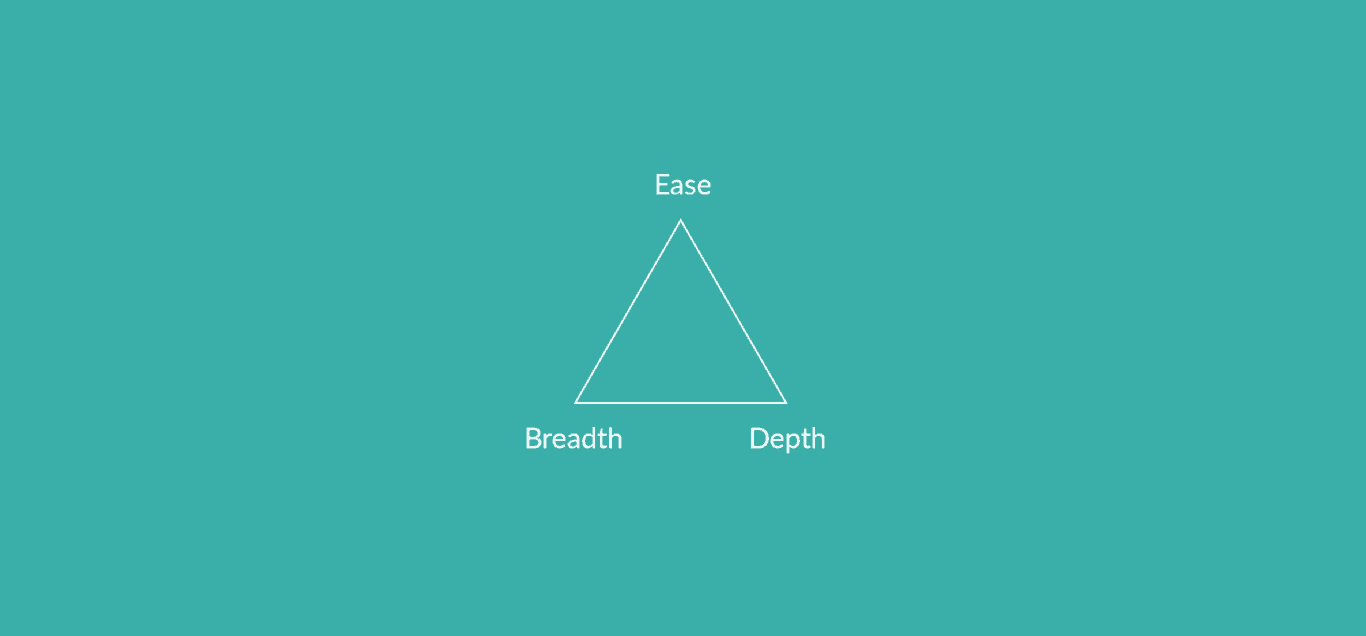
Depth, breadth, and ease of use.
Three of the most important factors when choosing an integration are integration depth, connector breadth, and ease of use. Here’s how each integration platform ranks in these factors.
Unito
Integration depth: High. Unito has some of the deepest integrations on the market, supporting more fields (including custom fields). Advanced Sync allows even more depth, handling even the most complex workflows. For example, a service team could link Salesforce opportunities to a delivery plan in Asana without losing fields along the way.
Integration breadth: Medium. Unito’s 60+ integrations cover a wide range of tools across project management, software development, ITSM, and reporting. Its breadth isn’t as large as automation platforms like Zapier or Workato.
Ease of use: High. Unito’s no-code flow builder allows most users to set up their first integration in 12 minutes, without any coding skills or technical knowledge.
Getint
Integration depth: High. Getint offers deep integrations, but to get the most out of that depth you’ll need at least some technical knowledge to build and manage scripts. These scripts can, for instance, transform a Jira sprint field into a custom ServiceNow change window. Powerful customization, but it’s code someone on your team needs to build and maintain.
Integration breadth: Low. Getint’s integration library of 17 connectors is one of the smallest on the market. It has the right connectors for engineering teams, but other teams might find some noticeable gaps.
Ease of use: Medium. Getint’s Quick Build feature, though in beta, is very promising for the average business user. That said, getting the most out of the platform requires technical knowledge as of the writing of this guide. Business users can get a basic sync running with Quick Build, but workflows with conditional logic or custom fields need involvement from technical teams.
Deployment and governance for enterprise teams
One of the biggest governance differences between Unito and Getint is deployment options. Getint offers both cloud and on-premise deployment while Unito is only available as a cloud-based platform. For some organizations with strict governance requirements, this can be a major factor in choosing between these platforms.
Beyond this difference, both platforms offer similar security certifications, such as SOC 2 Type 2, GDPR compliance, and CCPA compliance. Getint edges out Unito slightly in certifications, with ISO 27001 and ISO 27018 in addition to these.
On the governance front, Unito’s Enterprise plans have additional features like a dedicated integration consultant, enterprise-grade procurement, single sign-on, granular permission controls, and developer platform access. Getint’s documentation doesn’t confirm the availability of these features with its more expensive plans.
Unito vs. Getint: Which one is right for you?
Choosing between Unito and Getint comes down to a few criteria, which can apply to any organization. Find out which platform you should use in five questions.
- Do you need on-premise deployment?
- Yes: Getint is a better choice, since it supports both cloud and on-premise deployment.
- No: Either platform will do.
- How many non-Jira tools are in your stack?
- Mostly Jira: You can choose either platform.
- A broader mix: Unito is the better choice.
- Who’s setting things up?
- Dedicated engineering resources: You can choose either platform.
- Ops, PMs, or marketers: Unito is the better choice.
- Does your compliance review require a specific certification set?
- If you need ISO 27001 or ISO 27018, choose Getint.
- If not, choose either platform.
- Which pricing model makes the most sense for you?
- Fixed fee per integration: Choose Getint, unless you’re primarily using Jira integrations. Then you can use either platform.
- Scales with usage: Choose Unito.
FAQ: Unito vs. Getint
Is Getint a good alternative to Unito?
Getint offers a two-way sync just like Unito does, which makes it a good alternative. Be aware, however, that most users need to write scripts to get the most out of their Getint integrations. Getint also doesn’t offer an equivalent for most of Unito’s integrations.
Does Getint support two-way sync like Unito?
Yes, Getint supports both two-way syncing and one-way syncing like Unito.
Which is cheaper, Getint or Unito?
One isn’t cheaper than the other. Getint and Unito have different pricing models, meaning one might be cheaper than the other depending on your situation. Getint itself has two pricing models, with per-user pricing for Jira integrations and flat fees for other integrations. Unito’s pricing model is based on the number of work items you sync across all integrations. The cheaper option depends on your workflows, your teams, and your usage.
Can Getint sync with tools outside Jira, ITSM, and DevOps?
Yes. Getint offers integrations for ClickUp, monday.com, Asana, Wrike, HubSpot, Zendesk, and Salesforce. Unito also offers integrations for these tools and more.
Does Unito require coding like Getint’s custom logic?
No, Unito doesn’t require any coding for any of its integrations. Every Unito flow can be built with a no-code, drag-and-drop flow builder.
What’s the best Getint alternative for teams outside engineering, like marketing or ops?
For teams outside engineering, Unito is the best two-way sync Geting alternative. Other Getint alternatives typically only offer one-way automation, which struggles to support similar workflows.
Try the two-way sync platform anyone can use
Unito is a two-way sync platform that everyone in your organization can use to build deep integrations. No code or technical skills required. But Unito also has the governance and developer features necessary for organizations that want to restrict access to their IT teams. That means Unito is a solid option whether you want to democratize integration access or need to limit it for compliance reasons.
Get the two-way sync platform that gives you more
Find out what Unito integrations can do for your workflows.