

How to Export Your Trello Boards to Google Sheets (3 Methods)
Here are three methods you can use to get your Trello cards into Google Sheets. One’s manual, the other’s automatic, and the last uses a Power-Up. Find out which one’s right for you.
Zendesk or Wrike? Integrate Both for a Dynamic CX Solution!
Zendesk and Wrike both have a lot to offer whether you need customer support or a dedicated CRM. Unito lets you sync both with 2-way updates.

4 of the Best Google Sheets Integrations (Powered by Unito)
Google Sheets integrations let you harmonize data across tools, streamline the way your teams work, and keep stakeholders informed.

How Technical Teams And Non-Technical Teams Can Better Communicate
Poor communication is expensive. You miss opportunities and lose productivity. Here’s how to keep that from happening.

How To Make a Business Case for Unito
Need to convince someone that the whole team should be using Unito? Here’s how you can make the best argument.
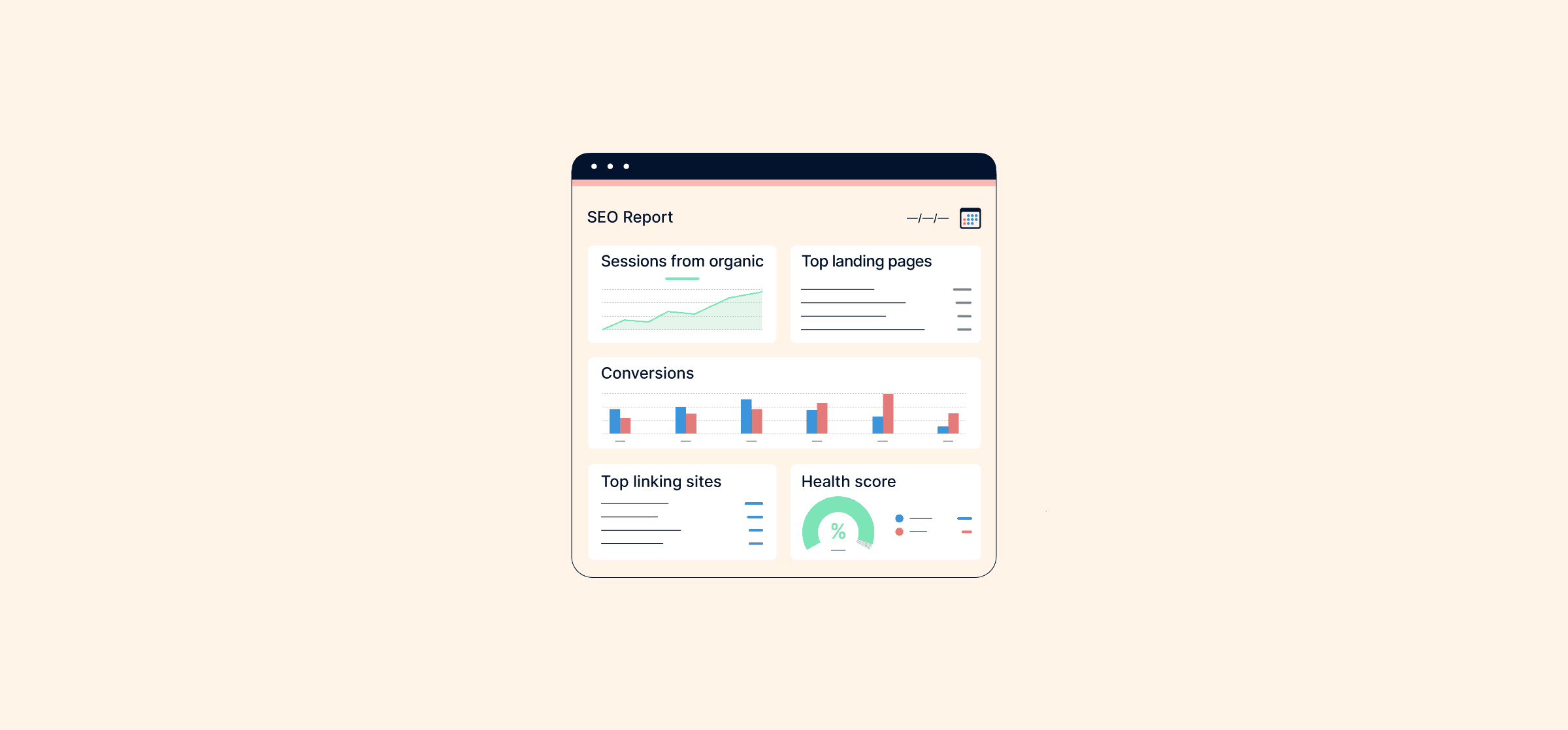
5 Free Templates for Your Next SEO Report
An SEO report will tell your team how well your website is ranking in Google search results and tell them what to do next. Here’s how to create your own.

The 10 Best Zendesk Apps for Customer Support Teams
The best Zendesk apps make your customer support team’s life easier by streamlining their work and automating repetitive tasks. Here’s how.

5 Ways GitLab Can Maximize Collaboration
Even though it’s a CI/CD and version control tool, GitLab has a few built-in features that help promote collaboration. Here’s how.

How to Consolidate Data in Excel (2 Methods)
You can combine data from multiple excel sheets through Excel’s built-in consolidate feature or with a platform like Unito.

How to Boost Asana Reporting with Looker Studio, Google Sheets, and Unito
If Asana reports aren’t quite doing it for you, here’s how you can get more out of them by pushing data to Looker through Unito and Sheets.
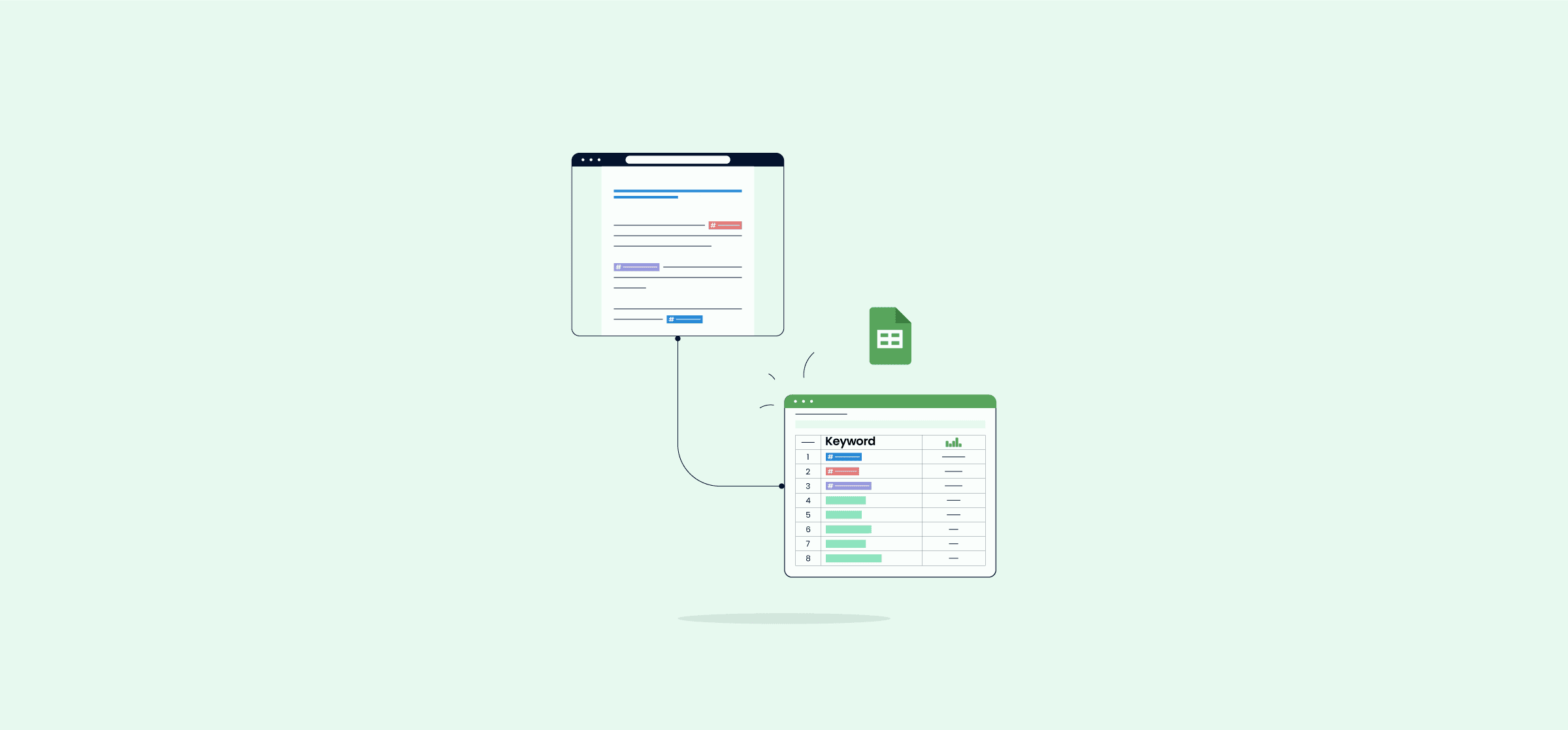
The Ultimate Guide to Automated Reporting
With automated reporting, you can build reports faster and more accurately than you could manually. Here’s how that works.