









How to Sync Microsoft Excel and Google Sheets with Automated Updates
Google Sheets Microsoft Excel Integration
Keep Google Sheets and Microsoft Excel in sync with Unito
Unito integrations are quick to set up, easy to configure, and require zero code.

Sync Google Sheets and Microsoft Excel in minutes
How to Send Data Between Google Sheets and Excel without Copy-Paste
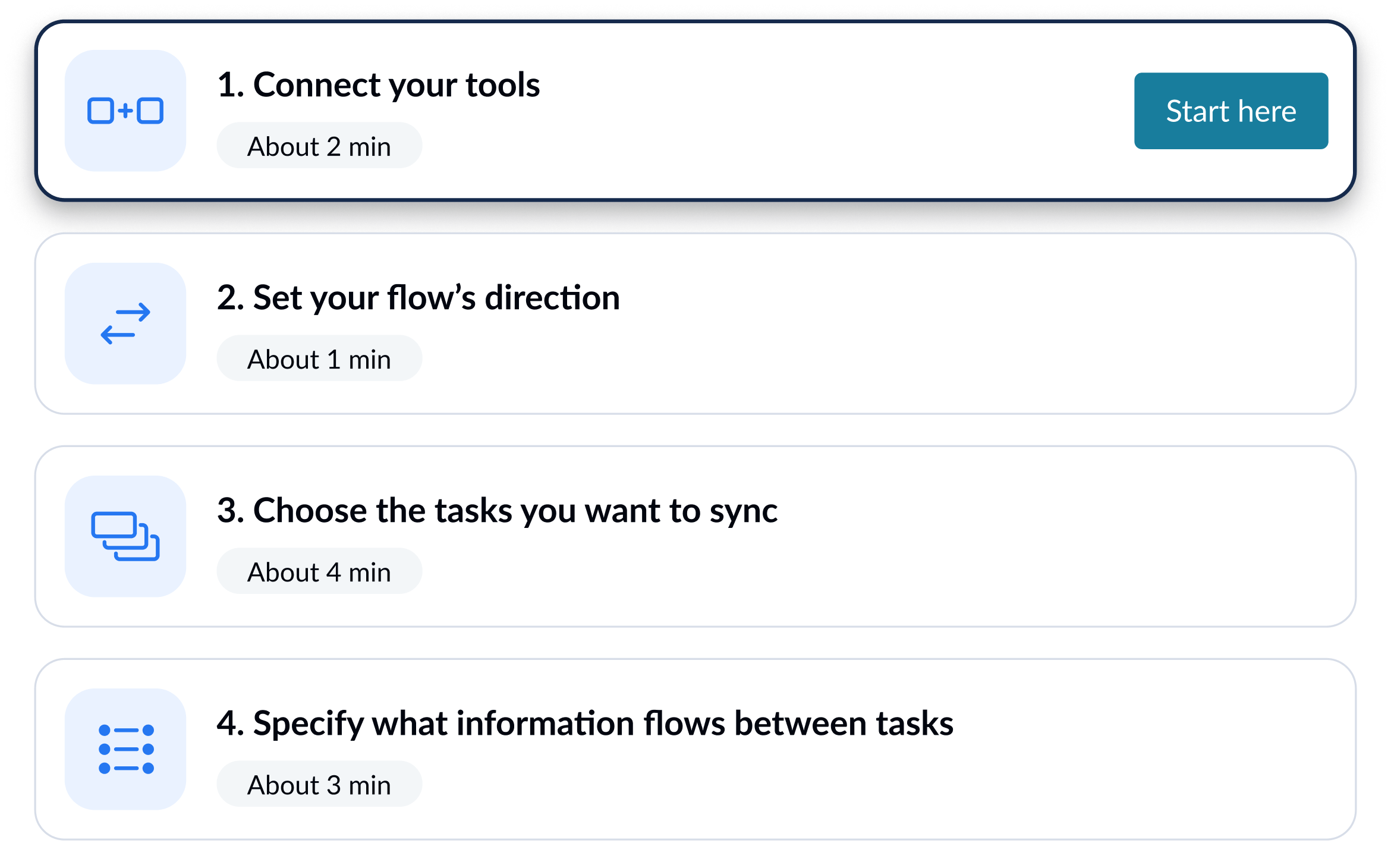
Learn how to set up a Unito flow to sync rows back and forth between Google Sheets and Excel.
Integrate Google Sheets + Microsoft Excel with powerful features

Live sync
Receive new data and updates from your tools in real-time.

Rules
Use flexible rules to determine what gets synced between tools.

Historical data
Choose to sync data going back weeks, months and even years with one click.

2-way
Share data back and forth between tools-without risk of duplicates or an infinite loop.

Field mapping
Link related fields between tools, including comments, assignees, and attachments.

Enterprise security
Unito is SOC 2 Type 2 certified with strict security measures to protect customer data.
Google Sheets and Microsoft Excel integration details
Unito connects Google Sheets and Microsoft Excel in real-time, so data flows automatically between both tools and every team stays aligned, with zero code required to set up.
Get started with your Google Sheets + Microsoft Excel sync with these resources



About Google Sheets
Google Sheets is Google's cloud-based spreadsheet application, part of the Google Workspace suite. Teams use it for collaborative reporting, lightweight project tracking, and sharing data across departments.
Learn more about Unito's Google Sheets integrationsPopular Tool Pairings
About Microsoft Excel
Microsoft Excel is the industry-standard spreadsheet application, part of Microsoft 365. From financial modeling to project trackers, Excel powers the data work that flows through nearly every business.
Learn more about Unito's Microsoft Excel integrationsPopular Tool Pairings

Asana - Microsoft Excel Integration
Sync updates in real-time between Microsoft Excel and Asana.

Trello - Microsoft Excel Integration
Sync updates in real-time between Microsoft Excel and Trello.

Monday.com - Microsoft Excel Integration
Sync updates in real-time between Microsoft Excel and Monday.com.