
 4.5 on G2
 SOC 2 Type 2
How teams connect Salesforce and Wrike
Pick the setup closest to yours. Wrike tasks sync with any native or custom Salesforce object.
-
 Opportunities
 Items sync both ways between Salesforce and Wrike
 Tasks
Kick off projects when deals close
When an opportunity is found in Salesforce, create a matching task in Wrike and keep them in sync.
 Description and attachments sync both ways, so project teams open each new Wrike task with the scope and files sales gathered on the won opportunity.
-
Cases
Items sync both ways between Salesforce and Wrike
Tasks
Route customer requests to project teams
When a case is found in Salesforce, create a matching task in Wrike and keep them in sync.
Status and comments sync both ways, so account teams follow the Wrike task from the Salesforce case and update the customer without chasing the project team.
-
Tasks
Items sync both ways between Salesforce and Wrike
Tasks
Share tasks between sales and project teams
When a task is found in either tool, create a matching task in the other and keep them in sync.
Status and due dates sync both ways, so sales reps in Salesforce and project teams in Wrike work one list of customer follow-ups with the same deadlines.

Trusted by Fortune 500 companies and global brands


Watch Salesforce and Wrike sync both ways
Demo video:
Salesforce and Wrike 2-Way Sync
Everything Unito syncs between Salesforce and Wrike
Choose which tool creates new items and which way each field syncs, so Salesforce opportunities can create Wrike tasks while description and attachments update both ways. Set rules on field values to decide which opportunities and tasks sync.
Salesforce
Supported object types
- Tasks
- Cases
- Contacts
- Accounts
- Leads
- Opportunities
- + All native & custom objects
Also syncs
 Comments
 Attachments
 Subtasks
 Hierarchies
 Rich text
Supported fields
 Two-way
- Subject
- Status
- Priority
- Due date
- Attachments
- Comment
 One-way (read only)
- Account
- Related to
- Is closed
- Contact/lead
- Last modified date
- Created
- URL
Two-way
- Subject
- Description
- Status
- Priority
- Case type
- Attachments
- Company
- Contact
- Country
- Asset
- Case origin
- Case reason
- Case source
- Internal comments
- Parent case
- Product
One-way (read only)
- Account
- Last modified by
- Case number
- Closed
- Closed date
- Contact email
- Fax
- Mobile
- Created by
- Created date
- Last modified date
Two-way
- Title
- First name
- Last name
- Assistant name
- Description
- Owner
- Attachments
- Lead source
- Campaign
- Phone
- Salutation
- Assistant phone
- Birthdate
- Business fax
- Business phone
- Department
- Home phone
- Mailing city
- Mailing country
- Mailing state/province
- Mailing street
- Mailing zip/postal code
- Mobile phone
- Other country
- Other phone
- Other postal code
- Other state
- Other street
- Related account
One-way (read only)
- Account
- Related to
- Creation date
- Update date
- Created
- Contact ID
Two-way
- Title
- First name
- Last name
- Description
- Status
- Lead source
- Company
- Country
- Phone
- Salutation
- Annual revenue
- City
- Email bounced date
- Email bounced reason
- Employees
- Industry
- Rating
- State/Province
- Street
- Website
- Zip/Postal code
One-way (read only)
- Full name
- Converted
- Converted date
- Created date
- Last activity
- Last modified date
- Lead ID
Two-way
- Name
- Description
- Stage
- Owner
- Close date
- Type
- Amount
- Forecast category
- Attachments
- Lead source
- Campaign
- Contact
- Currency
- Next step
- Probability
- Total opportunity quantity
One-way (read only)
- Account
- Related to
- Expected amount
- Is closed
- Last modified by
- Last modified date
- URL

Wrike
Supported object types
- Tasks
- + Custom item types
Also syncs
- Comments
- Attachments
- Subtasks
Supported fields
Two-way
- Title
- Description
- Status
- Assignee
- Due date
- Start date
- Comment
- Duration
- Effort
- Importance
- Subtask
- Time spent
- Attachment
One-way (read only)
- Author
- Created date
- Task number
- Updated date
- Link to task
Real-time data sync with full control, no coding required
Enterprise-grade sync without the enterprise-grade complexity
Connecting Salesforce and Wrike traditionally meant engineering hours and brittle scripts. Unito gives you bidirectional sync, hierarchy preservation, and enterprise security without the engineering tax.
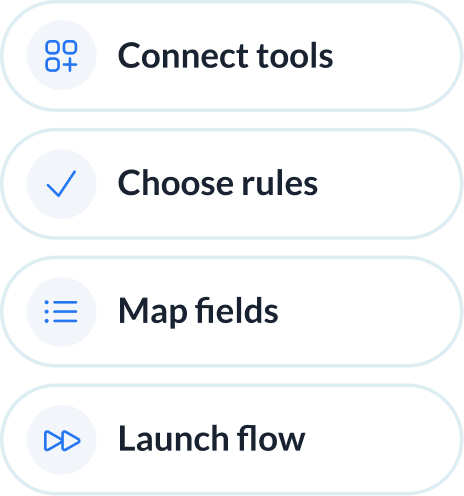
Abstracted complexity
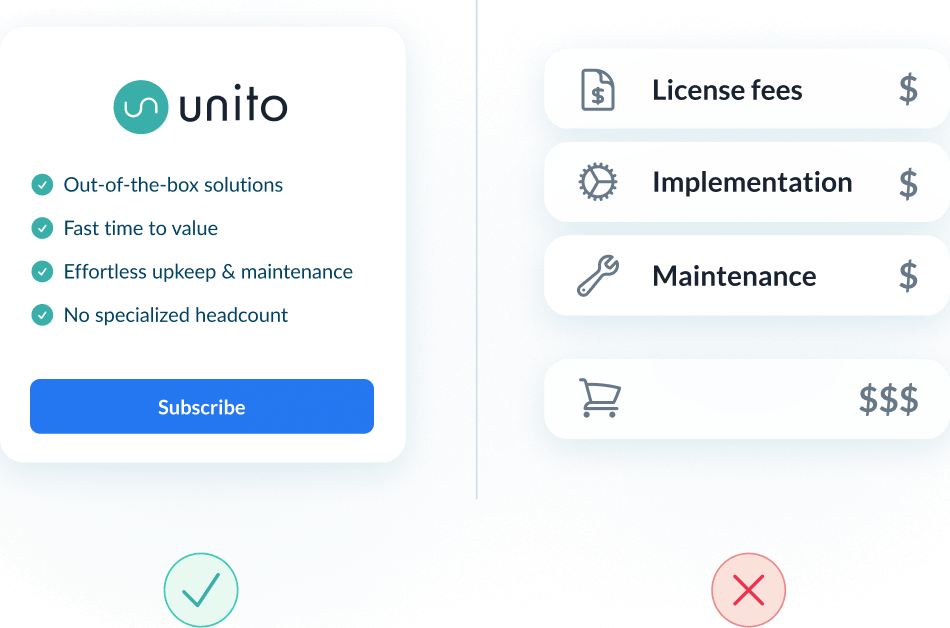
Lower total cost of ownership
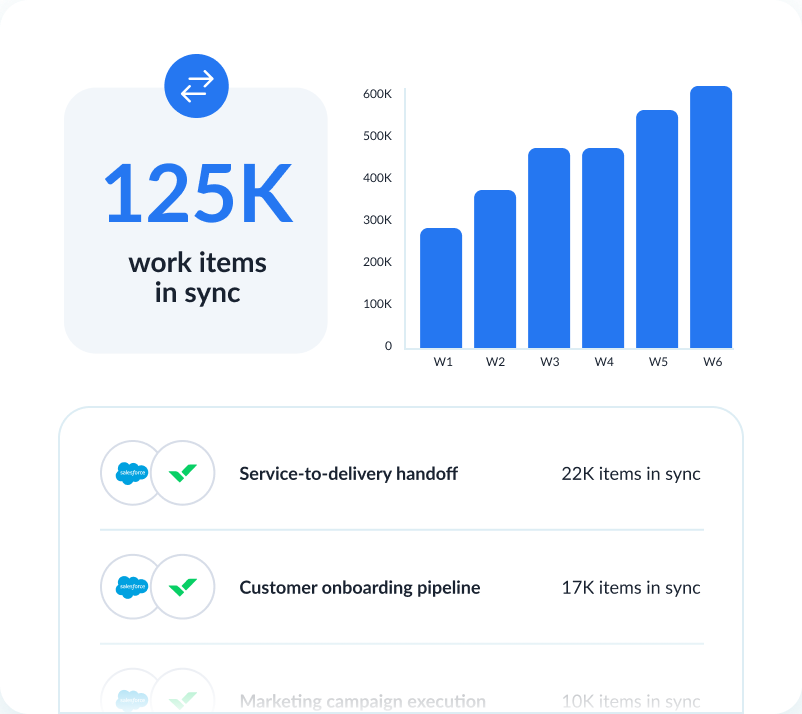
Scalability and resilience
Enterprise-grade control and reliability
Unito is designed to meet the highest standards of security and performance.

SOC 2 Type 2 certified

GDPR and CCPA compliant
- SSO
- Secure from end to end
- Access controls and flow permissions
- Centralized monitoring tools
- No data stored by Unito
See how teams succeed with Unito
-

"Unito’s flexibility and support were critical. They didn’t just provide a tool; they became a partner in solving our workflow challenges."

$595k
saved annually
21k
tasks synced monthly
7.9k
hours saved annually
-

"Absolutely love the two-way sync. It allows our pipeline to run seamlessly from Sales to Engineering, while ensuring everyone is on the same page in Salesforce and Jira."

$312k
saved annually
2600
hours saved
-

"Unito grants more visibility to executives and projects managers. Syncing Jira and Wrike provided more clarity in our reporting and enables collaboration between teams."

$291k
saved annually
3328
hours saved
-

"We saved more than 40 hours a week after syncing Asana and Jira through Unito. Our engagement with the C-suite was far, far better than expected. "

$218k
saved annually
2236
hours saved
-

"Unito isn’t just a nice-to-have—it’s a necessity once you realize how much time and effort it saves."

8.5
weeks IT time saved/year
30-40
ServiceNow licenses saved
9.79x
ROI
-

"Unito allows us to use the right project management and development tools so our teams can do their work without changing how they work."

$98k
saved annually
1040
hours saved
See how you can sync Salesforce and Wrike with Unito
Book time with an integration expert who can help solve your specific workflow integration challenges.
What to expect
- A 15-30 min call to assess your workflow and integration needs
- A solutions overview of Unito’s sync platform
- Hands-on help to get started and support your evaluation
Frequently asked questions about Salesforce and Wrike
Setup happens in Unito: connect your Salesforce and Wrike accounts, then choose which Salesforce records sync with which Wrike work. For each step, see our Salesforce + Wrike integration guide.
It can create a Wrike task rather than a project: tasks are the Wrike object Unito syncs. A rule can limit the flow to opportunities with a given status, such as Closed Won, so only those create a linked Wrike task.
Yes. Wrike task status syncs two-way, and each field’s direction is set on its own, so updates on the linked Wrike task can flow back to the Salesforce opportunity. New comments added in Wrike carry across too.
Line Items aren’t among the Salesforce objects this sync lists. Opportunities, Accounts, Contacts, Cases and Tasks can sync with Wrike tasks, and subtasks are supported on both sides.
No Apex or coding. Unito is point-and-click: field mappings and each field’s sync direction are set in Unito’s UI. Tool-specific admin or API steps can still add setup time for enterprise tools.
Bidirectional. Case subject, contact names, and Wrike task title, description, status and assignee sync two-way. Flow direction and each field’s direction are set separately. For most connectors, comment sync carries new comments, not edits to synced ones.
Wrike custom fields of type Checkbox, Contact, Currency, Date, Dropdown, Duration, Multiple select, Numeric, Percentage and Text are supported. Mappings match by type, and each is set one-way or two-way, unless the other tool lacks an equivalent.
About Salesforce
Salesforce is the world's leading CRM platform, helping businesses manage customer relationships, sales pipelines, service cases, and marketing campaigns in one unified cloud environment.
Learn more about Unito's Salesforce integrations ↗Popular Tool Pairings
About Wrike
Wrike is a collaborative work management platform built for cross-functional teams. It combines project planning, real-time collaboration, and resource management to help teams deliver work across departments.
Learn more about Unito's Wrike integrations ↗