
Popular articles

How to Create a Jira Dashboard (2 Methods)

How to Build a Product-Engineering Dashboard

Jira for Product Managers: What You Actually Need to Know

How to Export Jira Issues to Any Tool (3 Methods)

From Roadmap to Sprint: How to Keep Product and Engineering Aligned

The Complete Product Launch Checklist
Latest articles

How Distributed Engineering Teams Collaborate Across Different Tools
Distributed engineering teams don’t have to choose between forced migration and lost productivity. See how two-way sync connects Jira, Azure DevOps, and other tools.

Jira-Salesforce Integration: Methods, What to Sync, and How To Set It up in 2026
Learn how to integrate Jira and Salesforce, including available integration options, what can be synced, and relevant use cases.

How to Easily Set Up and Sync a 2-Way Smartsheet-Jira Integration
Here’s how to quickly sync Jira issues to Smartsheet in minutes flat through Unito’s 2-way no-code integration for business users.

How to Stop Wasting Sprint Planning on Manual Status Updates
Sprint planning shouldn’t start with a status hunt. See why product and engineering tools fall out of sync, and how two-way sync gives teams that time back.

The 5 Best Jira Integrations for Optimizing Software Development Projects
Jira is a popular project management tool for software developers, but it’s rarely the only tool you use. Here are some of the top integrations for this essential tool.

The 5 Best Azure DevOps Integrations for a Smoother Software Development Lifecycle
Azure DevOps is a popular software development tool, but it’s rarely the only tool you use. Here are some of the top integrations for this essential tool.
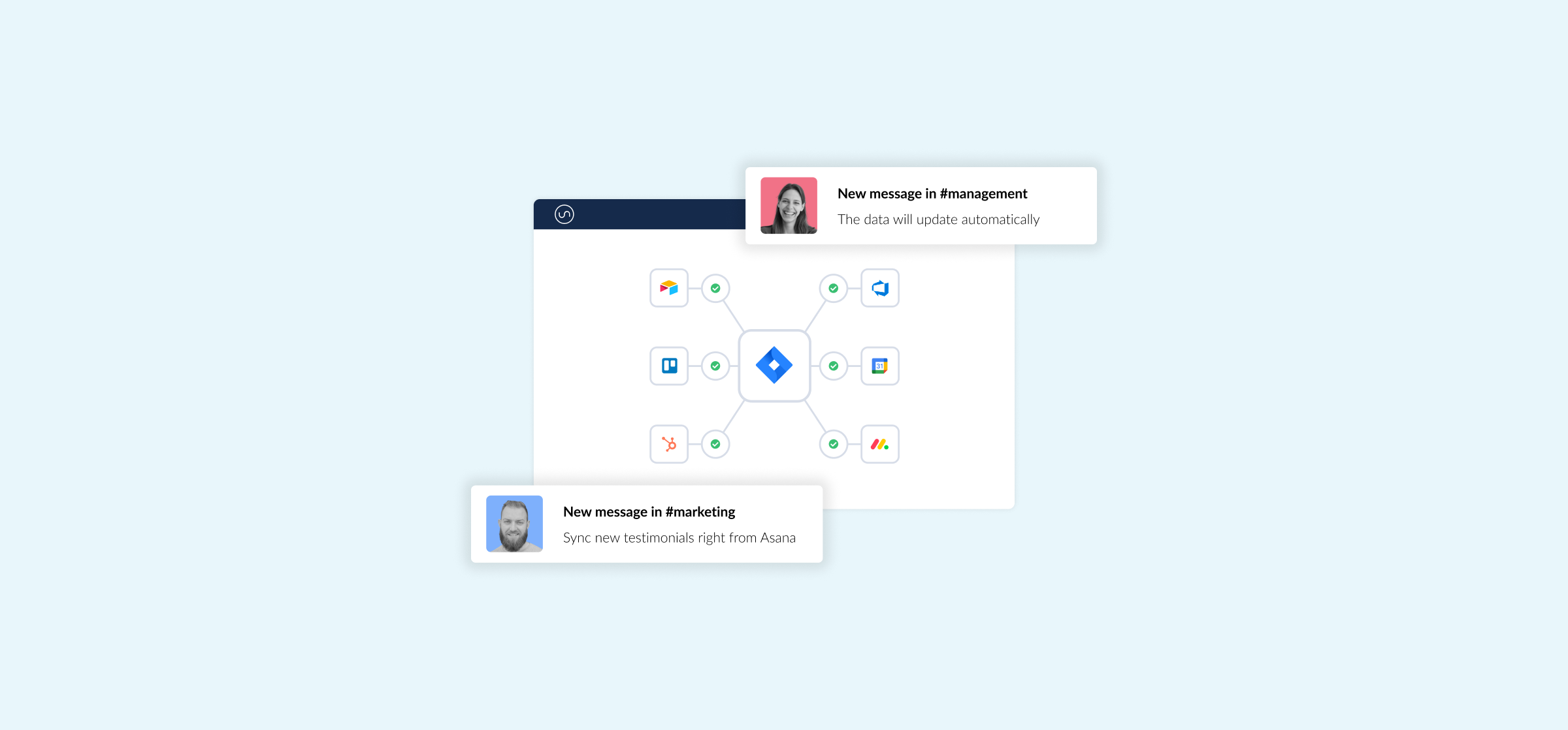
A Complete Guide to Jira Integration
Jira is a popular project management tool, but it’s rarely the only tool your teams use. Here’s Unito’s guide to Jira integration.
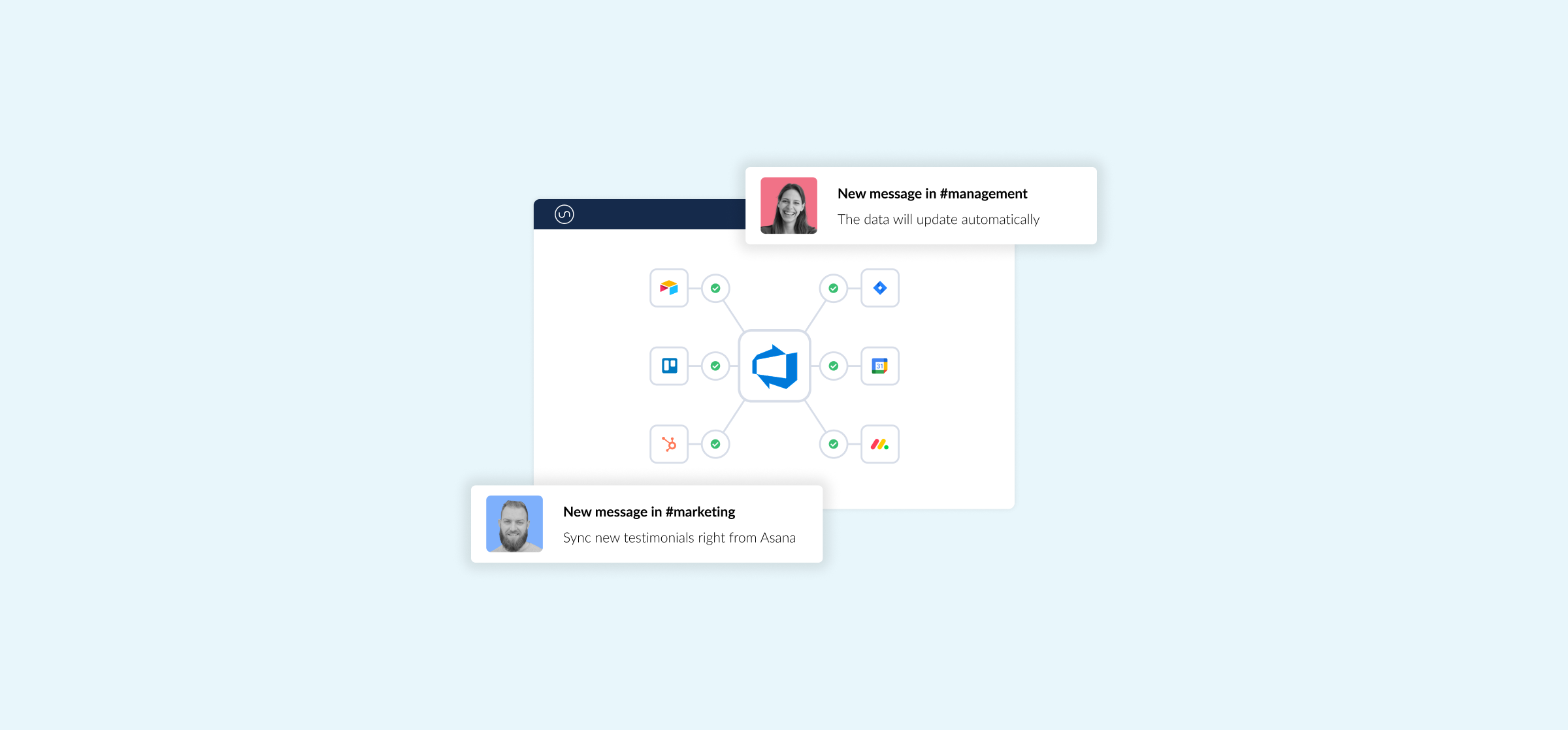
A Complete Guide to Azure DevOps Integration
Azure DevOps is a popular software development tool, but it’s rarely the only tool your teams use. Here’s Unito’s guide to Azure DevOps integration.

How to Sync Freshservice and Jira With Two-Way Updates
In this guide, you’ll learn how to build an integration between Freshservice and Jira using Unito with automated updates.
The Complete Product Launch Checklist
Cross-functional product launch checklist. Coordinate engineering, marketing, sales, and support so nothing falls through the cracks.

From Customer Feedback to Jira: Keeping Context Intact
Connect customer feedback from support, sales, and surveys to Jira. Keep customer context intact from initial request through shipped feature.