GitLab Zoho Projects Integration
Keep GitLab and Zoho Projects in sync with Unito
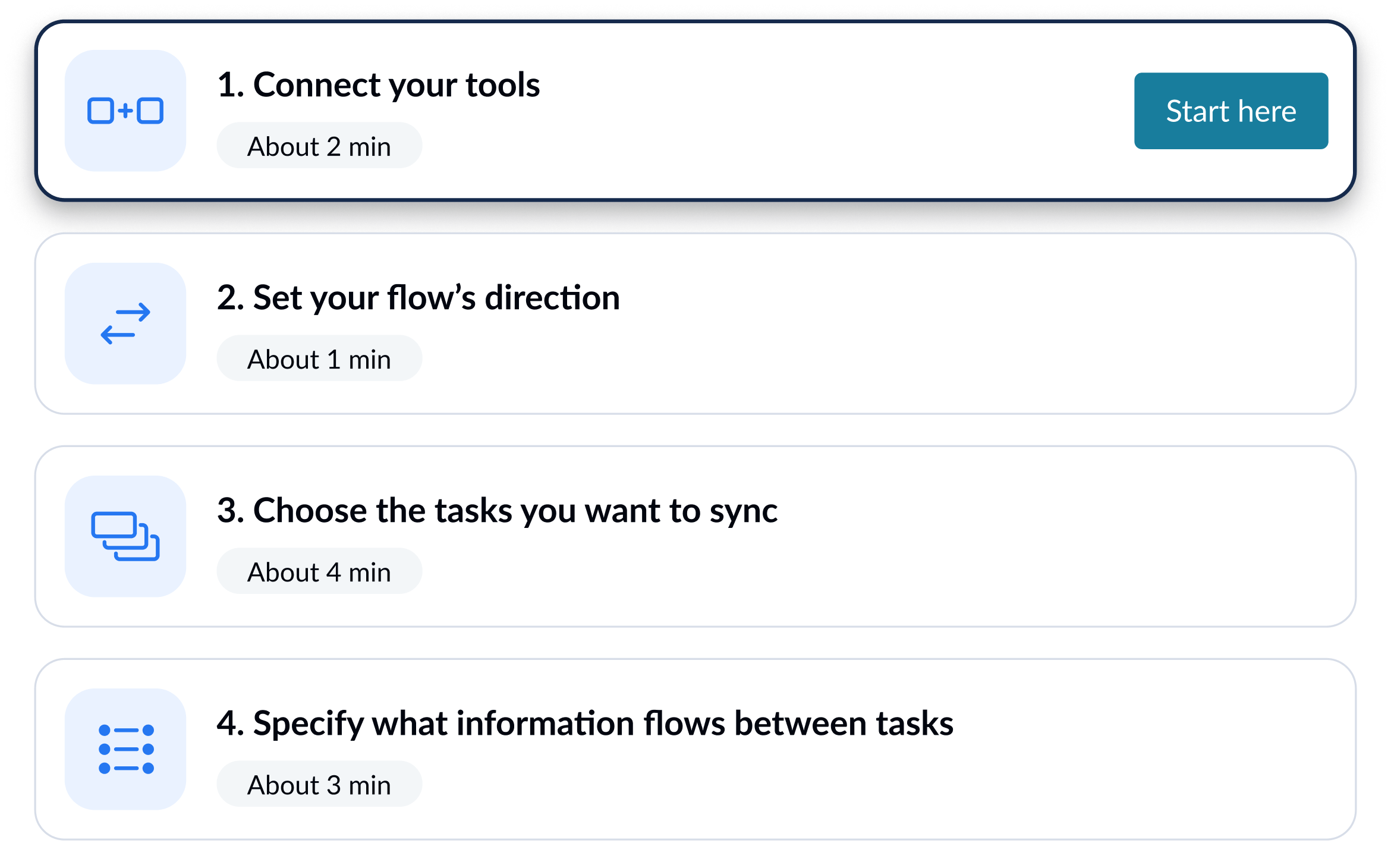
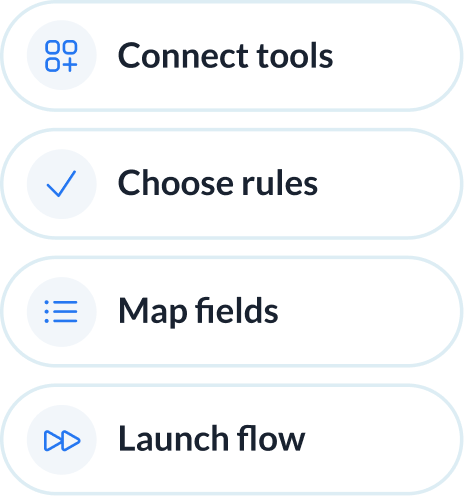
Unito integrations are quick to set up, easy to configure, and require zero code.


Sync GitLab and Zoho Projects in minutes
Integrate GitLab + Zoho Projects with powerful features

Live sync
Receive new data and updates from your tools in real-time.

Rules
Use flexible rules to determine what gets synced between tools.

Historical data
Choose to sync data going back weeks, months and even years with one click.

2-way
Share data back and forth between tools-without risk of duplicates or an infinite loop.

Field mapping
Link related fields between tools, including comments, assignees, and attachments.

Enterprise security
Unito is SOC 2 Type 2 certified with strict security measures to protect customer data.
















GitLab and Zoho Projects integration details
The Trello Jira integration by Unito seamlessly connects your project management with agile development processes, ensuring that Trello cards and Jira issues are synchronized for optimal collaboration and efficiency. This integration facilitates a harmonious workflow between teams, allowing for real-time updates and ensuring that everyone is aligned on project progress and priorities. It's a game-changer for teams looking to streamline their processes and enhance productivity.

About GitLab
GitLab is a complete DevOps platform that combines source code management, CI/CD pipelines, security scanning, and issue tracking into a single application. Engineering teams use it to manage the full software development lifecycle.
Learn more about Unito's GitLab integrations

About Zoho Projects
Zoho Projects provides users with the tools necessary for successful collaboration within one easy-to-use interface including task tracking tools, document management capabilities, time tracking modules, custom reporting options and Gantt charts.
Learn more about Unito's Zoho Projects integrationsPopular Tool Pairings

Jira - Zoho Projects Integration
Sync updates in real-time between Zoho Projects and Jira.

Azure DevOps - Zoho Projects Integration
Sync updates in real-time between Zoho Projects and Azure DevOps.

Smartsheet - Zoho Projects Integration
Sync updates in real-time between Zoho Projects and Smartsheet.