Bitbucket Notion Integration
Keep Bitbucket and Notion in sync with Unito
Unito integrations are quick to set up, easy to configure, and require zero code.


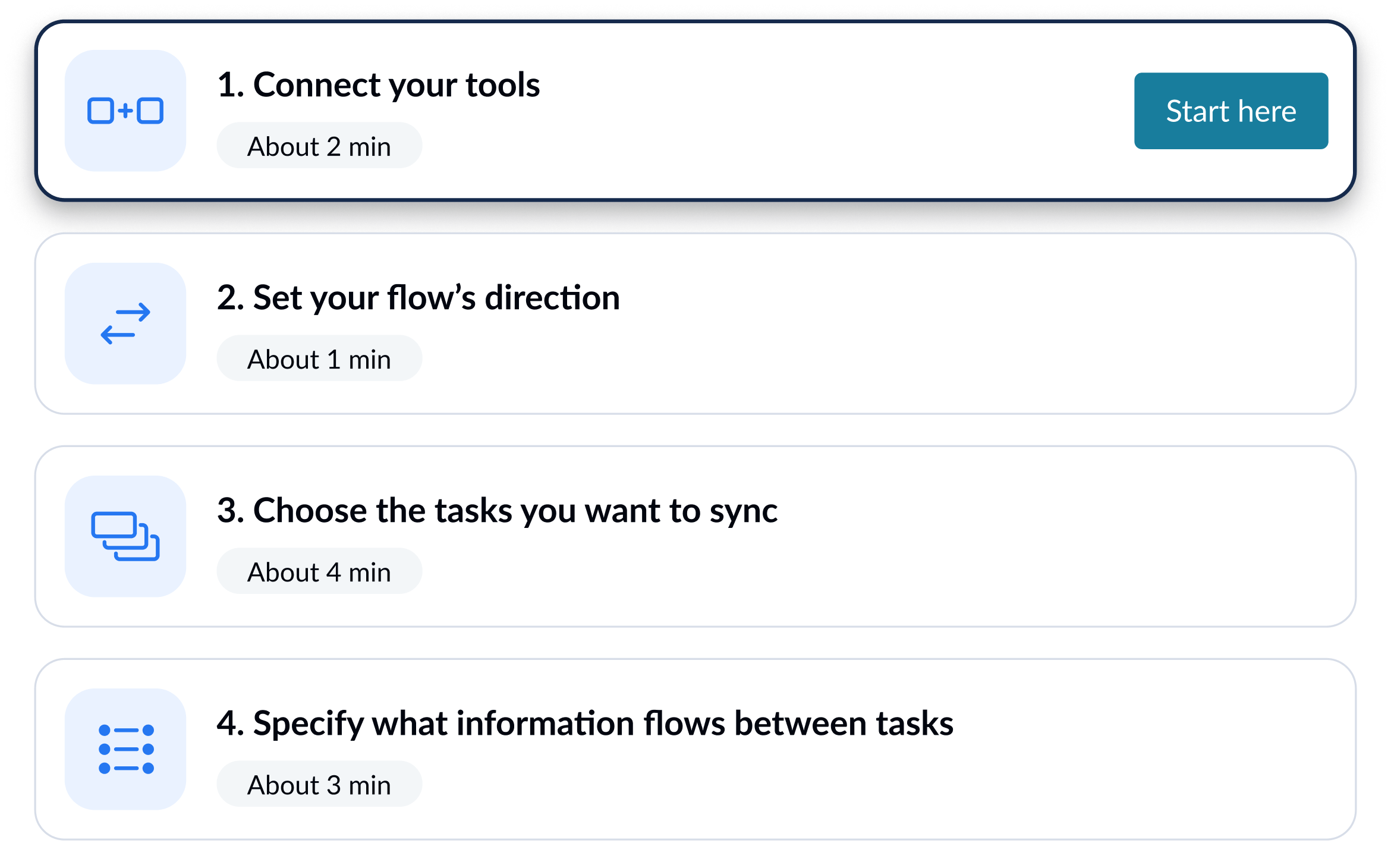
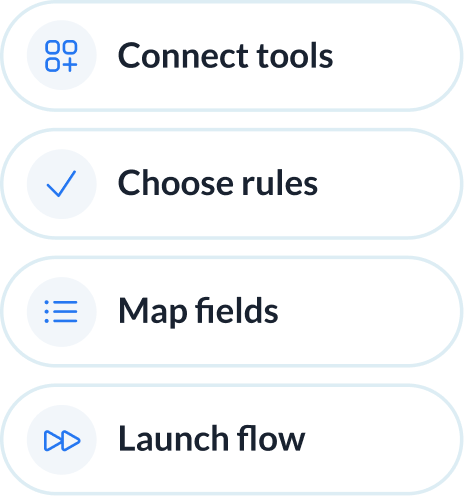
Sync Bitbucket and Notion in minutes
Integrate Bitbucket + Notion with powerful features

Live sync
Receive new data and updates from your tools in real-time.

Rules
Use flexible rules to determine what gets synced between tools.

Historical data
Choose to sync data going back weeks, months and even years with one click.

2-way
Share data back and forth between tools-without risk of duplicates or an infinite loop.

Field mapping
Link related fields between tools, including comments, assignees, and attachments.

Enterprise security
Unito is SOC 2 Type 2 certified with strict security measures to protect customer data.















Bitbucket and Notion integration details
The Trello Jira integration by Unito seamlessly connects your project management with agile development processes, ensuring that Trello cards and Jira issues are synchronized for optimal collaboration and efficiency. This integration facilitates a harmonious workflow between teams, allowing for real-time updates and ensuring that everyone is aligned on project progress and priorities. It's a game-changer for teams looking to streamline their processes and enhance productivity.

About Bitbucket
This cloud-based version control system enables developers to collaborate on projects from anywhere in the world. Its Git repository management solution is designed for professionals in search of a central place to collaborate on source code and development flow.
Learn more about Unito's Bitbucket integrations


About Notion
Is it a database? Document repository? Project management system? Calendar? Notion is all of the above and much more, with a suite of tools for collaboration and organization within an intuitive workspace.
Learn more about Unito's Notion integrations