JIRA AND MEISTERTASK INTEGRATION

Sync anything between Jira and MeisterTask

Unito's real-time, two-way sync links MeisterTask and Jira with enterprise-grade security, full control, and zero coding required.

Try it free

Trusted by Fortune 500 companies and global brands

Real-time data sync with full control, no coding required

Custom sync rules

Use intuitive rules (conditions or filters) to determine exactly what data to sync, such as task status, assignee, labels, and more.

Deep field configurability

Configure your data flow field by field. Map any native or custom fields and define flow direction for each.

Full relationship support

Sync hierarchies and related items across tools, keeping linked objects, dependencies, and parent-child relationships fully intact.

Historical data sync

Your sync doesn't rely on live triggers. Unito rules apply to any object in MeisterTask and Jira and can also include historical data.

Comment & attachment support

Sync comments across tools with control over private and public visibility, and sync attachments for full visibility.

Live data transformation

Transform data in real time with transformers to combine fields, convert HTML to text, extract values, or apply custom string logic through JSON settings.

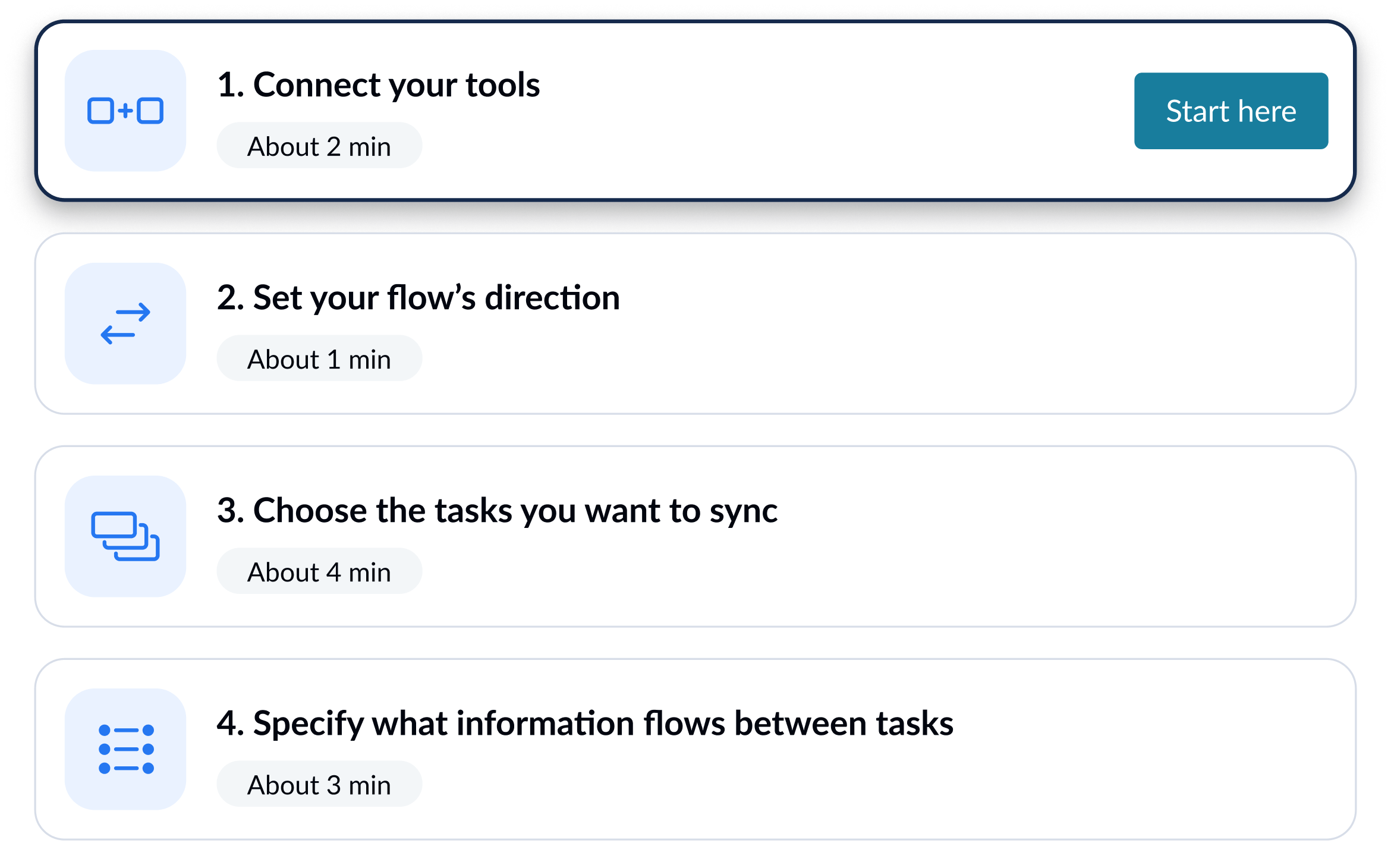
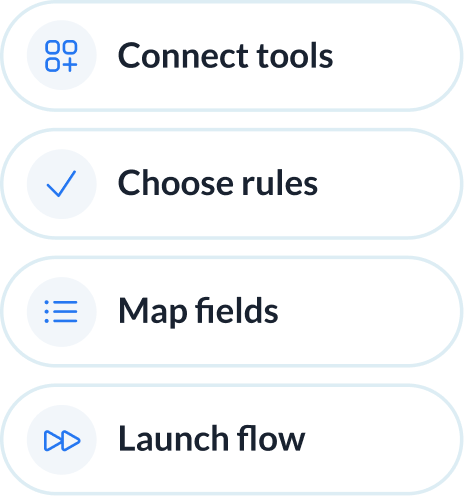
Your Jira-MeisterTask setup in simple steps

Our team works with you to configure your integration needs from start to finish, tailored to your business workflows. Once it's live, Unito keeps everything in sync automatically and your integration stays reliable, simple to adjust and effortless to maintain.

1

Connect your tools

2

Define how data flows

WHEN a task is in MeisterTask
WHERE label equals Push to dev
THEN create matching item in Jira
AND keep them in sync
Add a new action
3

Set flow conditions

Task title Issue/Task
Due date Due date
Comments Comments
Map automatically
4

Review how fields map across tools

Enterprise-grade sync without the complexity

Cross-platform integration at scale usually takes weeks or months to deploy. Unito delivers reliable sync between MeisterTask and Jira with a self-serve setup and field-level configurability.

Abstracted complexity

Connect MeisterTask and Jira with an intuitive, out-of-the-box solution that allows for full configurability of your integration. Unito doesn't require custom logic, scripting, or dev-led setup.
Abstracted complexity

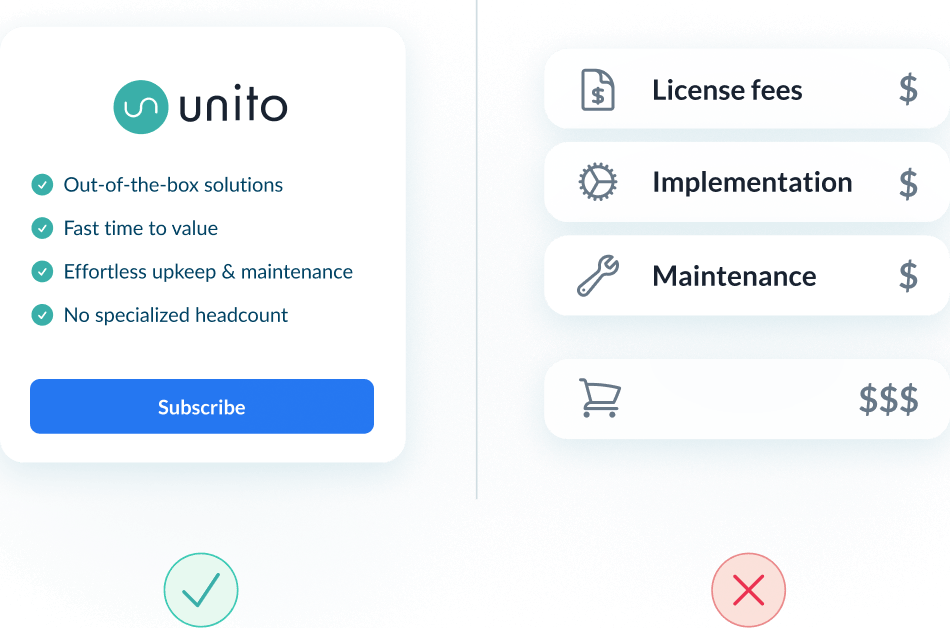
Lower total cost of ownership

Most iPaaS tools drive up cost with long rollouts and heavy upkeep. Unito lowers TCO with fast time to value, and no specialized headcount to maintain or scale integrations.
Lower total cost of ownership

Scalability and resilience

Maintain real-time data consistency across datasets of any size. Unito's auto-scaling, intelligent API throttling and automatic recovery ensure uptime even during peak loads and tool downtimes.
125K work items
in sync
600K500K400K300K200K100K0
W1 W2 W3 W4 W5 W6
Roadmap-to-execution sync 22K items in sync
Bug triage & routing 17K items in sync
Sprint & release coordination 10K items in sync
Abstracted complexity
Lower total cost of ownership
125K work items
in sync
600K500K400K300K200K100K0
W1 W2 W3 W4 W5 W6
Roadmap-to-execution sync 22K items in sync
Bug triage & routing 17K items in sync
Sprint & release coordination 10K items in sync

Enterprise-grade control and reliability

Unito is designed to meet the highest standards of security and performance.

SOC 2 Type 2 certified

GDPR and CCPA compliant

  • SSO
  • End-to-end encryption
  • Access controls and flow permissions
  • Centralized monitoring tools
  • No data stored by Unito

Move MeisterTask tasks into Jira without retyping

When a MeisterTask task is ready for engineering, Unito creates a matching Jira work item automatically. As developers update sprints, statuses, and comments in Jira, those changes flow back to the MeisterTask task so both teams stay aligned.

Dispatch tasks as Jira work items

Tasks that hit a chosen MeisterTask section turn into Jira work items, so planners hand off to engineering without copy-paste or manual tracking.

Keep both sides current

Status changes, assignees, and field edits sync in real time between MeisterTask tasks and Jira work items, so neither team works from stale information.

Decide exactly what crosses over

Rule-based filters and field mapping let you choose which MeisterTask tasks become Jira work items, which fields map to epics or sprints, and which direction each field flows.

See how to sync MeisterTask and Jira with Unito

Book a demo to see MeisterTask tasks flow into Jira work items and updates sync back, all without code or manual handoffs.

What to expect

  • A 15-30 min call to assess your workflow and integration needs
  • A solutions overview of Unito’s sync platform
  • Hands-on help to get started and support your evaluation

About Jira

Jira is a configurable project and issue tracking platform that allows agile teams to plan, oversee, and manage workflows efficiently. Streamline task management with sophisticated customization capabilities via the Atlassian platform.

Learn more about Unito's Jira integrations


About MeisterTask

MeisterTask is a customizable project management solution that leverages the Kanban system of task management with boards, lists, cards, and swimlanes. It provides flexibility for users to tailor workflows according to individual preferences and team dynamics.

Learn more about Unito's MeisterTask integrations

Frequently asked questions about Jira and MeisterTask

Can a new MeisterTask task automatically create a Jira work item?

Yes. With Unito’s rules, a MeisterTask task that meets your criteria automatically creates a matching Jira work item, and later updates keep both in sync two ways.

Do comments stay in sync between MeisterTask and Jira?

Yes. Unito syncs comments across both tools and gives you control over private versus public visibility, so each team sees the right context without manual copying.

Can Unito sync custom fields in MeisterTask and Jira?

Yes. Unito maps native and custom fields through each tool’s API, and you set the flow direction for each field so the right data lands on the right side.

Who maintains the integration once it's set up?

You do, with no code. Unito’s no-code setup means anyone can own the sync, adjust rules and field mappings, and scale it without engineering support or ongoing scripting.

ʕ•ᴥ•ʔ