











ASANA AND MONDAY.COM INTEGRATION

Keep Asana and monday.com in sync across every team

Two-way sync across every work item, status, hierarchy, and comment between Asana and monday.com. No code to deploy. Enterprise-ready security and scale.

Try it free

Trusted by Fortune 500 companies and global brands

Sync anything between Asana and monday.com

Sync any work item, field, and relationship bidirectionally.

Asana

Supported object types

Tasks Subtasks Milestones Approvals Projects Portfolios Teams

Supported field types

String fields Number fields Date fields User fields Single select fields Multi select fields Comments Attachments Tags Full custom field support

monday.com

Supported item types

Items Boards Groups

Supported field types

String fields Date/Time fields Linked Items URLs Boolean fields Attachments Comments Full custom field support

Real-time data sync with full control, no coding required

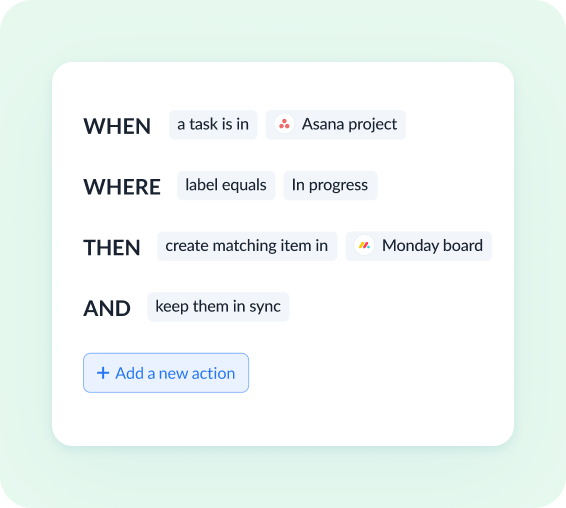
Custom sync rules

Use intuitive rules (conditions or filters) to determine exactly what data to sync, such as task assignee, project status, board group, item status, and more.

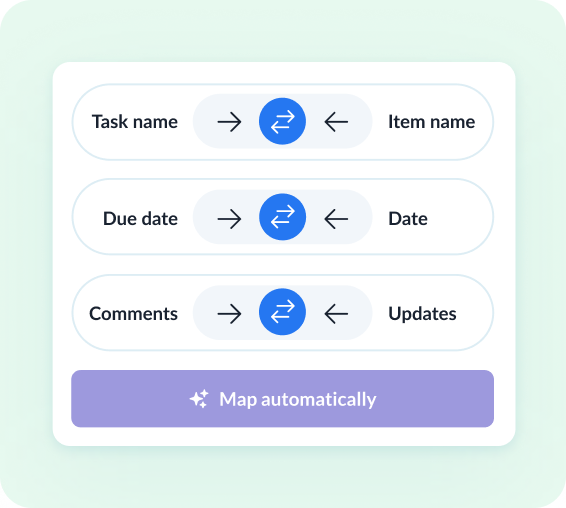
Deep field configurability

Configure your data flow field by field. Map any native or custom fields, including custom fields on both sides, and define flow direction for each, with item matching to prevent duplicates.

Full relationship support

Sync hierarchies and lookup fields across tools, keeping linked tasks, sub-tasks, items, and subitems fully intact across Asana and monday.com.

Historical data sync

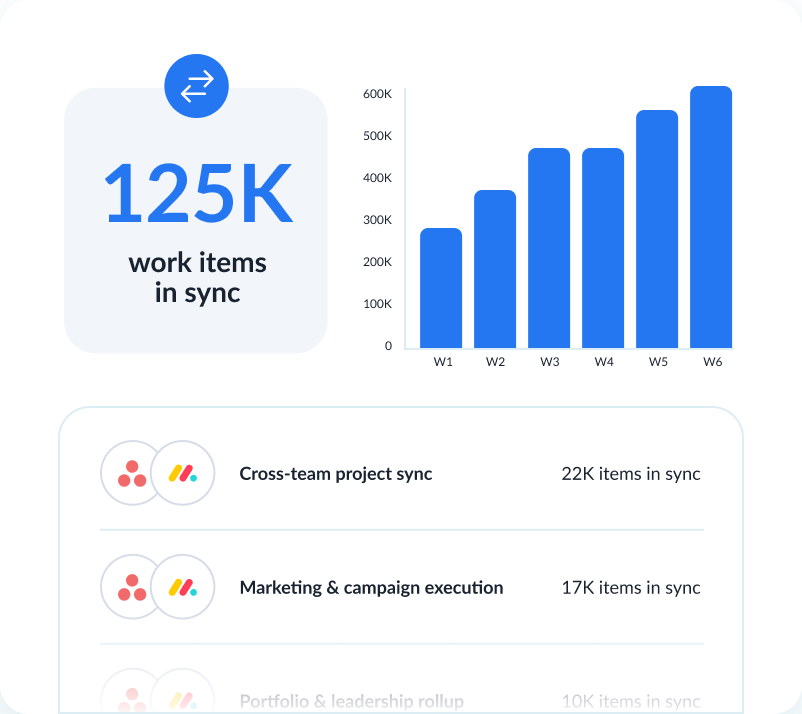
Sync historical records from any point in time, across even the largest datasets. Unito is purpose-built for enterprise-scale alignment across all your tools.

Comment & attachment support

Sync comments and attachments across Asana and monday.com so cross-team project groups always have full context, wherever they work.

Live data transformation

Transform data in real time with transformers to combine fields, convert HTML to text, extract values, or apply custom string logic through JSON settings.

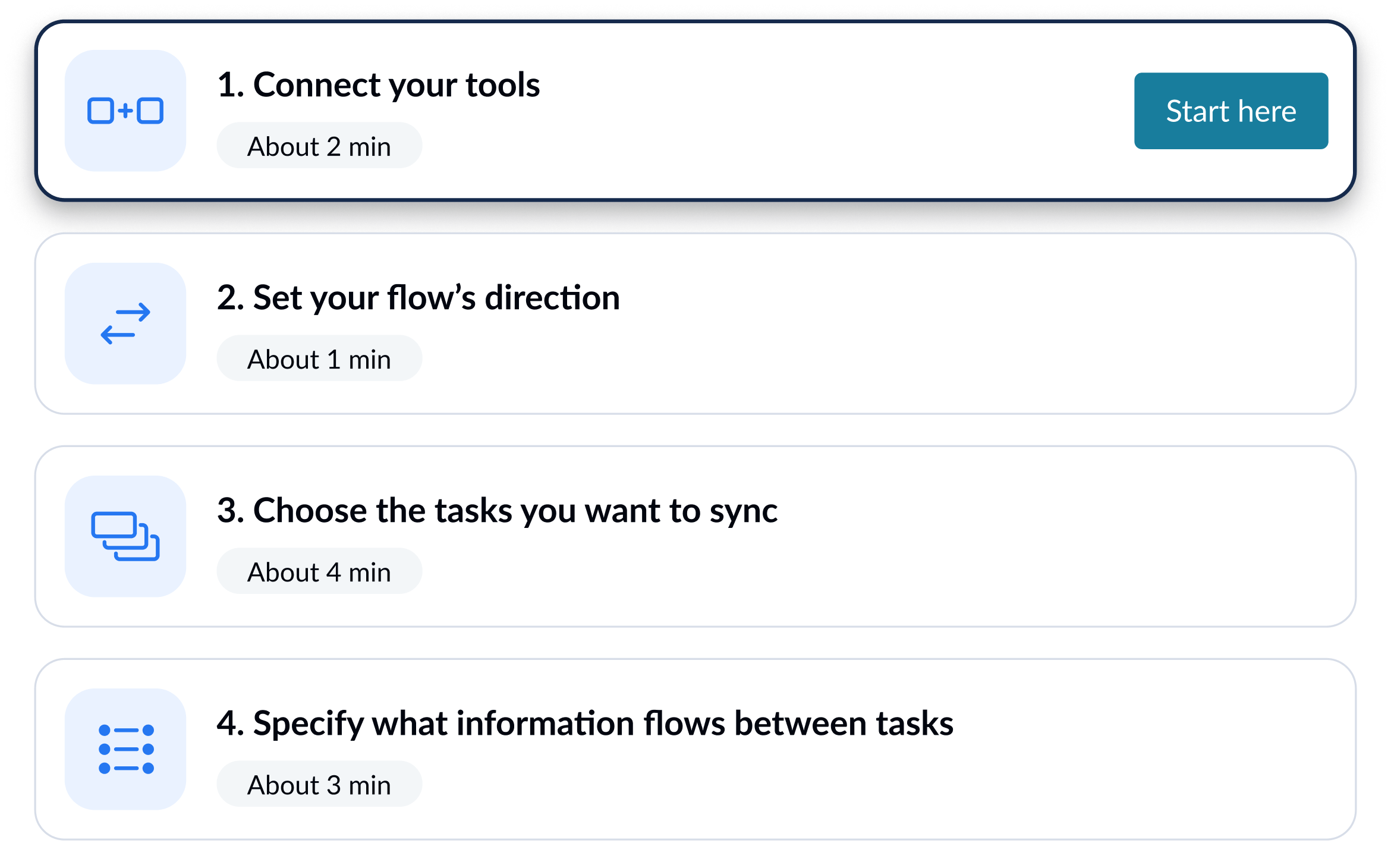
Set up your Asana–monday.com sync in simple steps

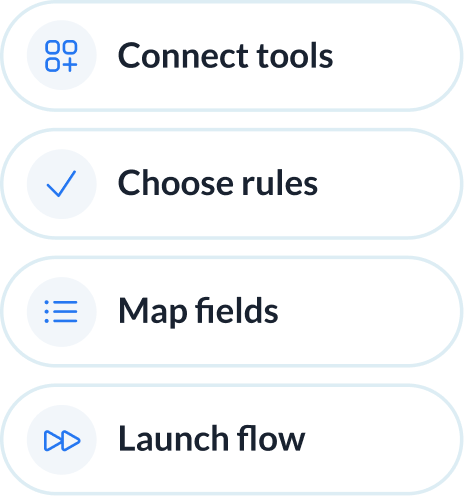
Connect your tools, choose what to sync, and launch your flow. No engineering required.

1

Connect your tools

2

Define how data flows

Set flow conditions
3

Set flow conditions

Review how fields map across tools
4

Review how fields map across tools

Enterprise-grade sync without the enterprise-grade complexity

When two teams pick different work management tools, the default fix is to force a standardization or build custom middleware. Unito offers a third option: field-level sync between Asana and monday.com that both teams configure themselves.

Abstracted complexity

Connect Asana and monday.com with an intuitive, out-of-the-box solution that allows for full configurability of your integration. No custom logic, scripting, or engineering-led setup required.
Abstracted complexity

Lower total cost of ownership

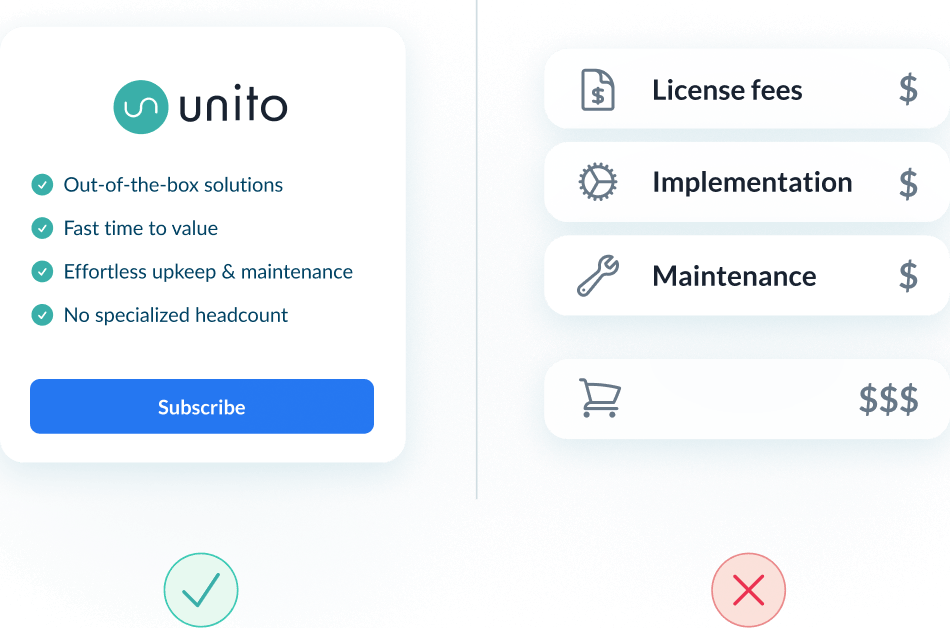
Most iPaaS tools drive up cost with long rollouts and heavy upkeep. Unito lowers TCO with fast time to value, and no specialized headcount to maintain or scale integrations.
Lower total cost of ownership

Scalability and resilience

Maintain real-time data consistency across datasets of any size. Unito's auto-scaling, intelligent API throttling and automatic recovery ensure uptime even during peak loads and tool downtimes.
Scalability and resilience
Abstracted complexity
Lower total cost of ownership
Scalability and resilience

Enterprise-grade control and reliability

Unito is designed to meet the highest standards of security and performance.

SOC 2 Type 2 certified

GDPR and CCPA compliant

  • SSO
  • End-to-end encryption
  • Access controls and flow permissions
  • Centralized monitoring tools
  • No data stored by Unito

Keep Asana and monday.com in sync without switching tools

Different teams picked different tools for good reasons. Forcing one onto the other creates more friction than it solves. Unito keeps tasks and items synced bidirectionally so teams collaborate without giving up their workflow.

Sync Asana tasks with monday.com items in real time

Link an Asana task to a monday.com item and updates flow both ways. Status, assignee, and due date changes stay consistent across tools without double entry.

Map custom fields across Asana and monday.com

Custom fields don't align out of the box. Unito handles the translation. A status field syncs with a status column, and values update both ways as either side changes.

Preserve sub-task and subitem hierarchies

Asana sub-tasks sync to monday.com subitems with the full parent-child structure intact. Status changes update the linked subitem in real time.

See how you can sync Asana and monday.com with Unito

Book time with an integration expert who can help solve your specific workflow integration challenges.

What to expect

  • A 15-30 min call to assess your workflow and integration needs
  • A solutions overview of Unito’s sync platform
  • Hands-on help to get started and support your evaluation

About Asana

Asana is a leading work management platform that helps teams organize, track, and manage their work. From simple task lists to complex project portfolios, Asana gives teams the clarity they need to move faster.

Learn more about Unito's Asana integrations
About monday.com

Monday.com is a Work OS that lets teams build custom workflows for project management, CRM, marketing, software development, and more. Its visual boards and flexible columns adapt to how teams actually work.

Learn more about Unito's monday.com integrations

Frequently asked questions about Asana and monday.com

Can Asana and monday.com items sync bidirectionally?

Yes. Unito supports two-way sync between Asana tasks and monday.com items, including status, assignee, dates, and custom fields.

Can I sync specific boards or projects instead of syncing everything?

Yes. Each flow connects one Asana project to one monday.com board. Filters let you control which tasks and items are included.

Is there a no-code platform that connects monday.com and Asana?

Yes. Unito connects both tools through a visual interface with no scripting or API configuration required.

Can different teams see different views of the same synced data?

Each team keeps their own views, layouts, and filters in their preferred tool. The underlying data stays consistent through the sync.

ʕ•ᴥ•ʔ