

Spreadsheets vs. Databases: Which One Should You Be Using?
Spreadsheets vs. databases, what’s the difference anyway? One’s great for many use cases, while the other is best for managing tons of data.

How To Report on Asana Tasks With Google Sheets and Unito
Asana is a great project management tool, but it’s not necessarily the best way to report on your work. Here’s how you can use Unito

Get More From Every Workflow With Business Process Automation
With business process automation, you can use software to eliminate manual work, improve quality assurance, and a whole lot more. Here’s how it works.

How to Copy an Excel Sheet Quickly (2 Methods)
Need to get your data out of your Excel spreadsheet? Here are two ways you can copy a spreadsheet within a workbook, between workbooks, and even across different tools.

Data Interpretation 101: How Project Managers Can Use Data To Make Better Decisions
Data is essential, but that doesn’t mean everyone knows how to use it. Here’s a simple guide to data interpretation, along with some common pitfalls to avoid.

9 Ways to Make a Hybrid Schedule Work for You
Working both remotely and in the office? Here’s how you can make sure you — and your team — get the best of both worlds.

How to Sync Notion Databases With GitHub Repositories (2 Methods)
Looking to sync GitHub issues to Notion? You can do it in two ways: either by relying on Notion features or with a little help from Unito. Here’s how these two methods work.

How to Sync Wrike Tasks to Airtable Records With Automated 2-Way Updates
Sync tasks and records between Airtable and Wrike with Unito’s automated no-code, 2-way integration for professionals.

How to Sync HubSpot Tickets with Asana Tasks Automatically
In this walkthrough, you’ll learn how to link HubSpot tickets, deals, or tasks with Asana through Unito’s code-free two-way sync.
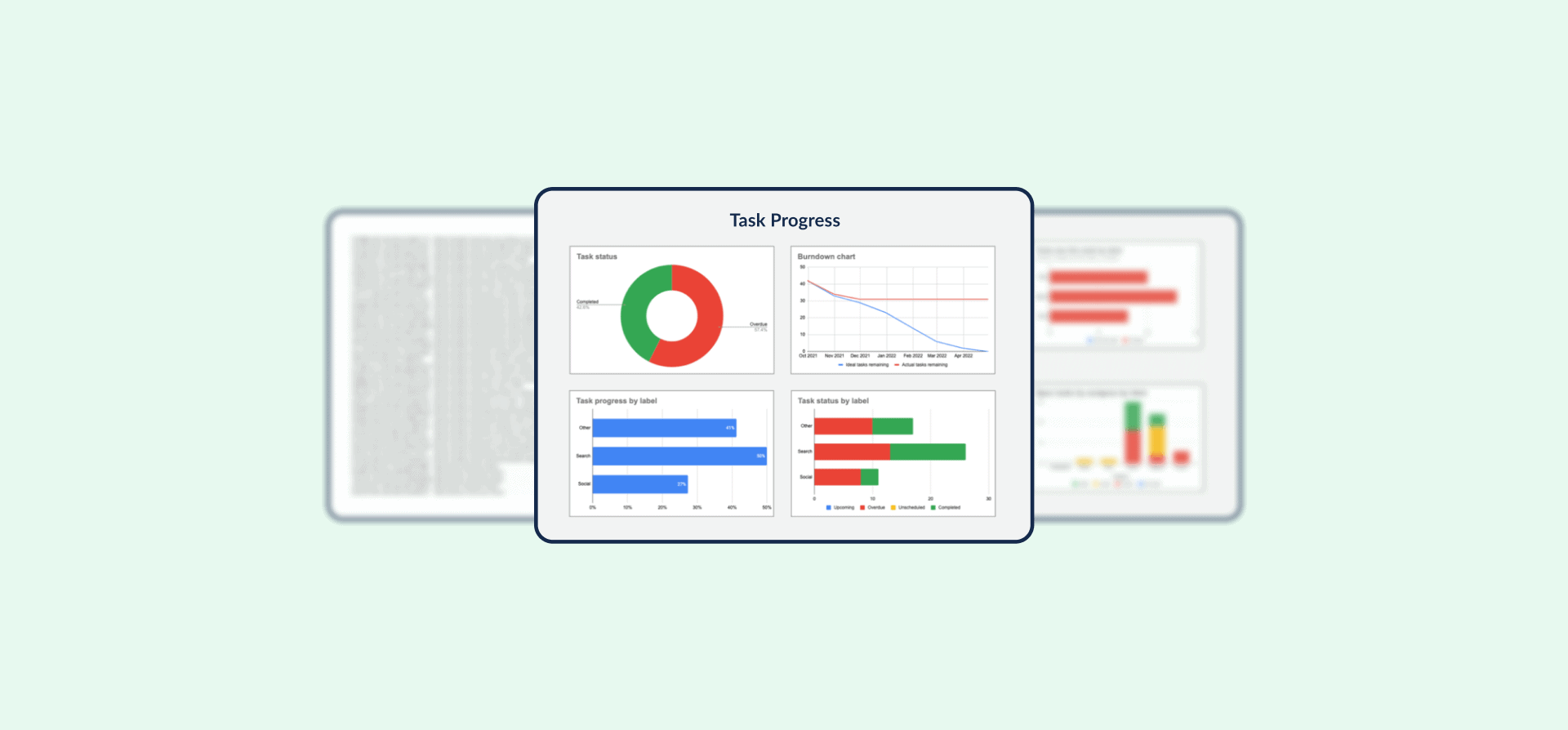
Template: Automated Google Sheets Status Report with Synced Trello Data
Want to take the tedium out of your reporting workflows? With Unito’s progress report template for Google Sheets, you can automatically sync Trello cards to a spreadsheet and report on your progress there. Here’s how it works.

How to Link Trello Cards Across Multiple Boards (2 Methods)
Trello is a great tool for all sorts of workflows, from managing a personal to-do list to running massive, cross-company projects. But that versatility can be something of a downside too. Because creating a new […]