
Trusted by Fortune 500 companies and global brands












Sync anything between Airtable and Asana
Sync every native and custom work item and field – and the relationships between them.
Airtable
Supported object types
Supported field types
Asana
Supported work item types
Supported field types
Real-time data sync with full control, no coding required
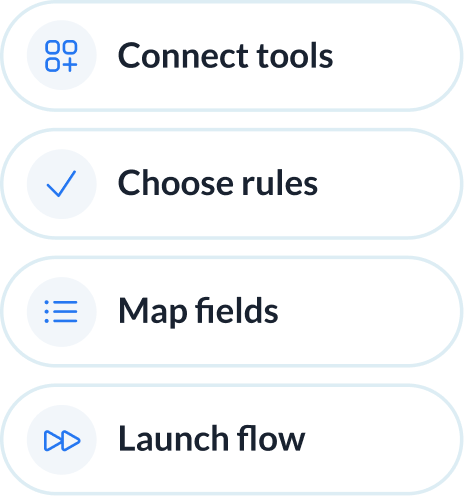
Set up your Airtable–Asana sync in simple steps
Connect your tools, choose what to sync, and launch your flow. No engineering required.
Connect your tools
Define how data flows
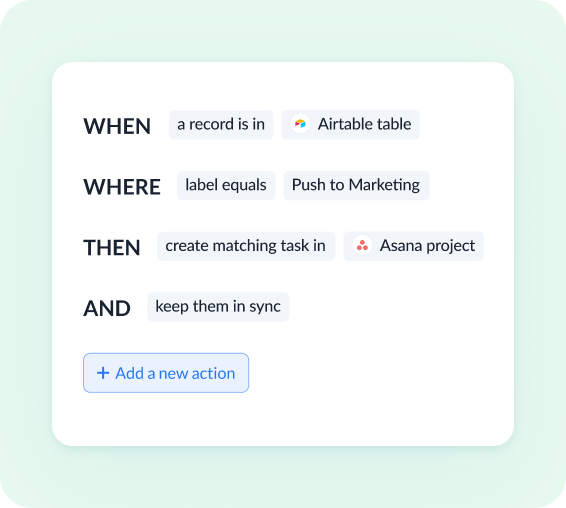
Set flow conditions
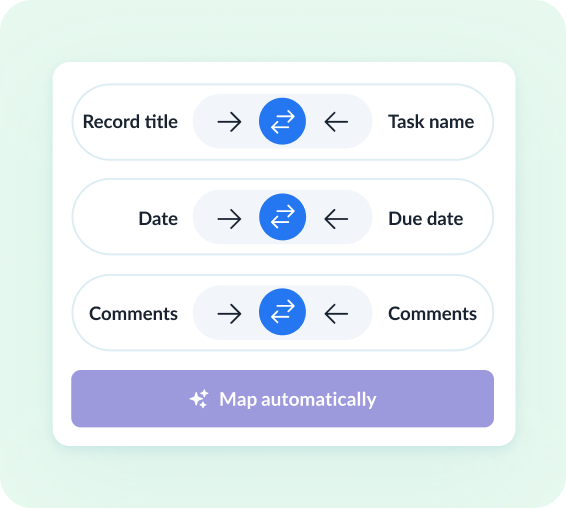
Review how fields map across tools
See how teams succeed with Unito
-

"Unito’s flexibility and support were critical. They didn’t just provide a tool; they became a partner in solving our workflow challenges."

$595k
saved annually
21k
tasks synced monthly
7.9k
hours saved annually
-

"Absolutely love the two-way sync. It allows our pipeline to run seamlessly from Sales to Engineering, while ensuring everyone is on the same page in Salesforce and Jira."

$312k
saved annually
2600
hours saved
-

"Unito grants more visibility to executives and projects managers. Syncing Jira and Wrike provided more clarity in our reporting and enables collaboration between teams."

$291k
saved annually
3328
hours saved
-

"We saved more than 40 hours a week after syncing Asana and Jira through Unito. Our engagement with the C-suite was far, far better than expected. "

$218k
saved annually
2236
hours saved
-

"Unito isn’t just a nice-to-have—it’s a necessity once you realize how much time and effort it saves."

8.5
weeks IT time saved/year
30-40
ServiceNow licenses saved
9.79x
ROI
-

"Unito allows us to use the right project management and development tools so our teams can do their work without changing how they work."

$98k
saved annually
1040
hours saved
Enterprise-grade sync without the enterprise-grade complexity
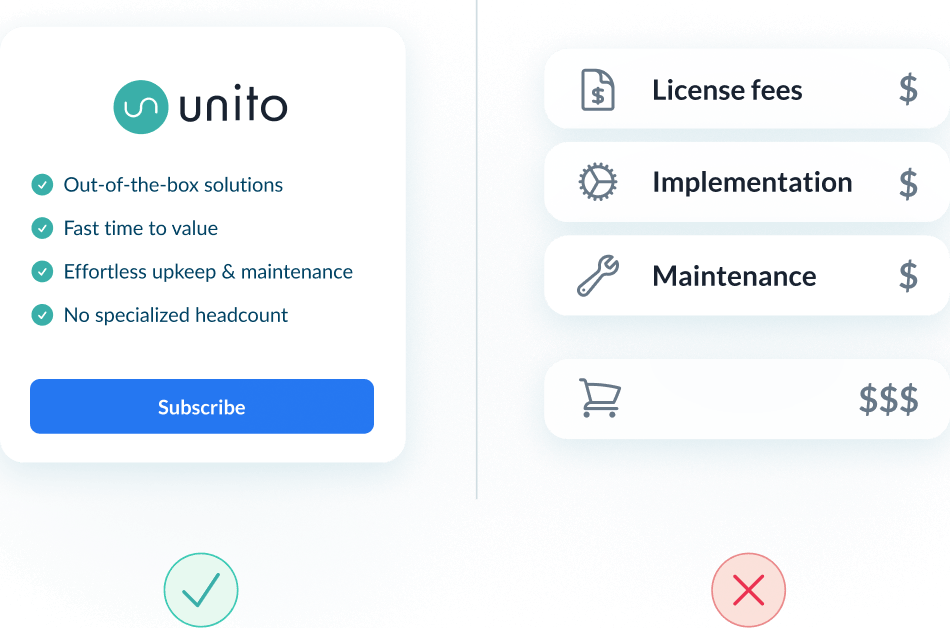
Most enterprise iPaaS platforms require certified architects to bridge Airtable and Asana. Unito delivers the same enterprise-grade reliability with a UI any operator can drive.
Abstracted complexity
Lower total cost of ownership
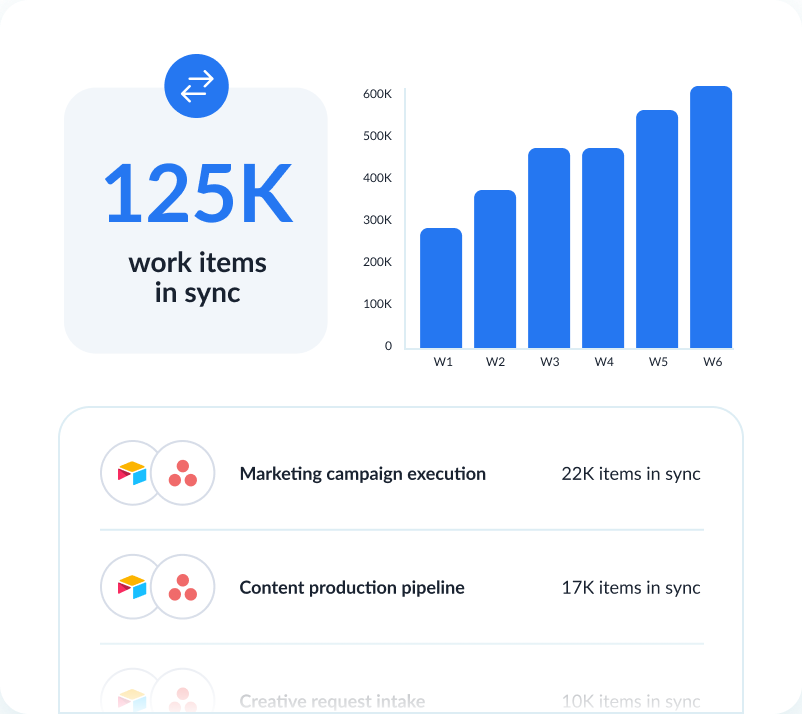
Scalability and resilience
Enterprise-grade control and reliability
Unito is designed to meet the highest standards of security and performance.

SOC 2 Type 2 certified

GDPR and CCPA compliant
- SSO
- Secure from end to end
- Access controls and flow permissions
- Centralized monitoring tools
- No data stored by Unito
Turn Airtable records into Asana tasks automatically
Airtable holds the record — a brief, an inbound request, a piece of content. When it's ready to be worked on, someone manually rebuilds it as an Asana task and copies the fields. Unito creates the task from the record and keeps both in sync.
Records become Asana tasks when they're ready for execution
When an Airtable record hits "Approved" — or whatever status your team uses — Unito creates the matching Asana task with assignee, due date, and custom fields already populated.
Airtable fields map to Asana custom fields
Single-selects like "Priority" or "Stage," multi-selects, dates, and text fields map to Asana custom fields. Unito handles value translation; updates flow either direction.
The Airtable record stays the source of truth
Intake stays in Airtable. Execution stays in Asana. Status, assignee, and comments flow both ways so neither side has to check the other's tool to know where things stand.
See how Airtable and Asana sync with Unito
Book time with an integration expert who can help solve your specific workflow integration challenges.
What to expect
- A 15-30 min call to assess your workflow and integration needs
- A solutions overview of Unito’s sync platform
- Hands-on help to get started and support your evaluation
About Airtable
Airtable is a low-code platform that combines the simplicity of a spreadsheet with the structure of a database. Teams use it to build custom apps for project tracking, content calendars, CRM, and operational workflows.
Learn more about Unito's Airtable integrations ↗Popular Tool Pairings
About Asana
Asana is a leading work management platform that helps teams organize, track, and manage their work. From simple task lists to complex project portfolios, Asana gives teams the clarity they need to move faster.
Learn more about Unito's Asana integrations ↗Popular Tool Pairings
Frequently asked questions about Airtable and Asana
Yes. Unito creates an Asana task when an Airtable record matches your rule, like a status change, a view membership, or any field condition. Updates flow both ways after that.
Yes. Airtable single-select and multi-select fields map to Asana custom fields with value-by-value translation. Either side can update; the other reflects it.
Linked records sync as relationships where Asana supports them, typically via custom fields holding the related record’s identifier.
Yes. Unito sets sync direction per field. Some fields can flow Airtable to Asana only, others bidirectionally, others Asana to Airtable. The flow owner decides for each.